
Before we explore on top AI tools for web developers, we must understand that web development in 2026 is dramatically different from even a few years ago. Developers are no longer writing every line of code manually. Instead, new generation of AI tools is helping professionals and hobbyists build, design, test and deploy applications faster, smarter and more efficiently.
In this comprehensive guide, we’ll explore the top AI tools for web developers in 2026 – covering everything from AI-assisted coding, UI design, visual prototyping, no-code/low-code site builders and debugging assistants. Each tool is selected based on its real-world value, adoption in the industry and ability to boost productivity.
By the end of this article, you’ll understand which tools are most useful for your workflow-and how to leverage them to stay competitive in a rapidly changing landscape.
What Makes AI Tools Essential for Modern Web Development
Before we dive into the list of the top AI tools for web developers, let’s clarify how AI is reshaping the web development workflow:
- Automated Code Generation: AI can now write full functions based on text prompts or existing context.
- Smart Debugging & Refactoring: Instead of manual bug hunts, AI can detect issues and suggest fixes.
- Rapid Design to Code: Design tools can convert UX sketches into HTML/CSS or React components.
- Content and SEO Support: AI tools can help generate SEO content, meta descriptions and optimized copy.
- No-Code and Visual Interfaces: You no longer need to write code for simple web pages-just tell the AI what you want.
The best top AI tools for web developers go beyond just code completion. They help with design, test automation, deployment and full project scaffolding – making them indispensable in 2026.
1. GitHub Copilot – The AI Coding Companion
category: Code Generation & Autocomplete
Best for: All web developers (frontend, backend, full-stack)
GitHub Copilot continues to lead the field as one of the most powerful AI coding assistants available. Embedded into mainstream IDEs like VS Code, JetBrains and others, Copilot understands your code context and suggests full blocks of code, documentation and even tests.

Key Features:
- Real-time AI code suggestions
- Supports multiple languages (JavaScript, TypeScript, Python, PHP, etc)
- Documentation generation and code explanations
Why It’s a Top AI Tool for Web Developers:
Copilot drastically reduces the effort needed to write boilerplate and repetitive code, accelerates prototyping and helps developers explore unfamiliar APIs quickly.
2. Tabnine – Privacy Code Completion
Category: AI Coding Assistant
Best For: Teams and developers with sensitive codebases
Tabnine provides AI-powered code predictions that can run locally, protecting prorietary code from being sent to external servers. Its support for over 30 programming languages and deep integration with popular IDE’s makes it a solid choice for teams seeking both performance and privacy.

Key Features:
- On-premises installation available
- Customizable with VS Code, Sublime, JetBrains, Eclipse
Why It’s Top AI for Web Developers:
Tabnine’s privacy-first approach appeals to enterprise teams and open-source contributors alike, giving them intelligent recommendations without exposing source code externally.
3. ChatGPT (with Developer Plugins) – AI Help Desk for Coding
Category: Multi-use AI Assistant
Best For: Debugging, content generation, API explanation
OpenAI’s ChatGPT has become an indispensible part of many developer’s toolkits. Beyond general language tasks, developers use ChatGPT to generate code snippets, debug errors, write SQL queries and even generate SEO-optimized web content – all from a single platform.

Key Features:
- Natural language to code conversion
- Debugging and explanation of complex logic
- API and query generation support
Why It’s Top AI Tool for Web Developers:
ChatGPT bridges the gap between communication and coding – it’s not only a code assistant but also a research and documentation partner.
4. Uizard – AI Powered UI/UX Prototyping Tool
Category: UI Design & Prototyping
Best For: Frontend developers, UX designers
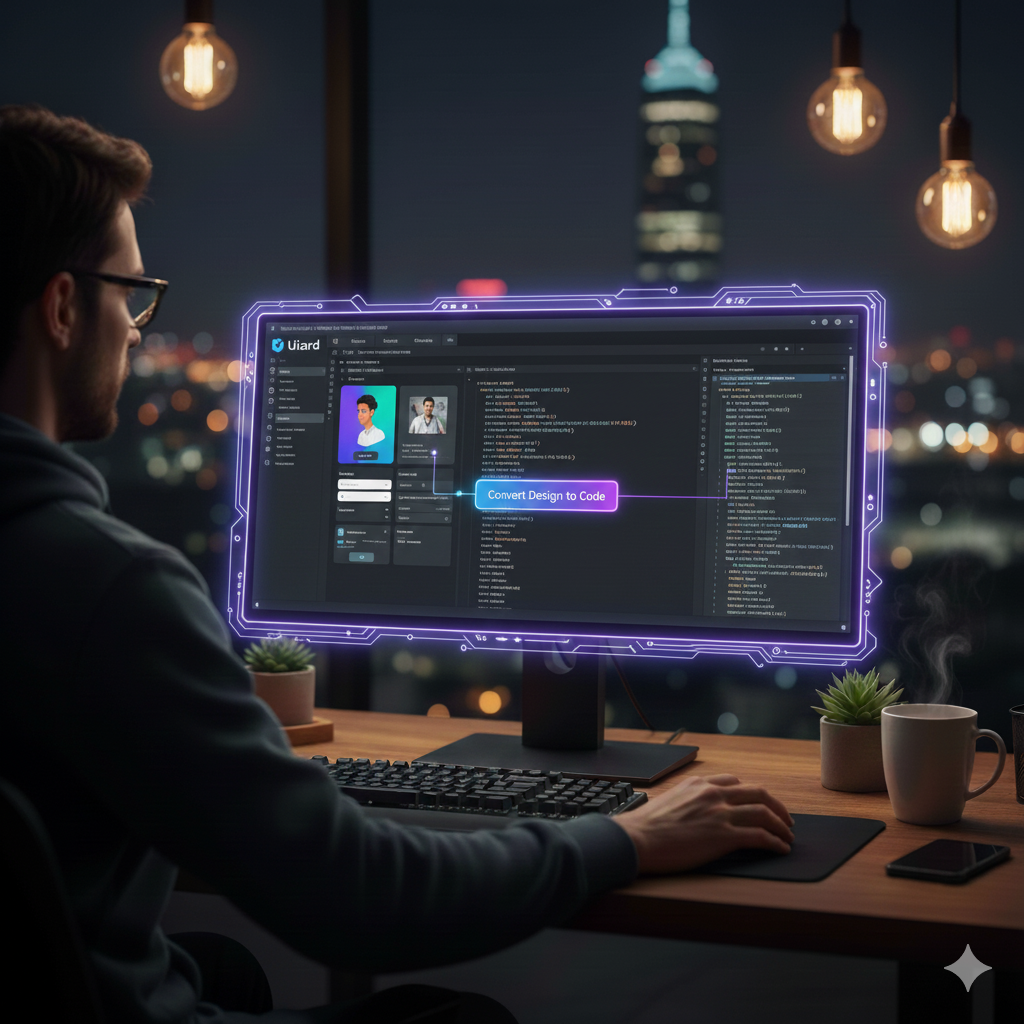
Uizard enables developers to convert sketches, wireframes, or even text descriptions into working UI designs. This tool bridges the gap between design and implementation by providing editable mockups ready for conversion into code.
Key Features:
- Converts hand-drawn concepts into UI layouts
- Export to HTML/CSS or design framewors
- Fast prototype creation
Why It’s Top AI Tool for Web Developers:
Uizard drastically reduces the time spent in the design phase, enabling developers to produce responsive designs quickly and share with them clients or teams.
5. Framer AI- Instant Site Design From Prompts
Cattegory: Design to Deploy Platforms
Best for: Designers and full-stack developers who want rapid prototypes
Framer’s AI builder turns text prompts into working responsive layouts. Simply describe the website you want, and Framer will produce a functional draft that developers can refine.

Key Features:
- Responsive site skeleton generation
- Built-in animation and integration support
- Easy export and integration with code
Why It’s a Top AI Tool for Web Developers:
For teams that need to move quickly from concept to function UI, framer’s AI features eliminate much of the early friction in the design process.
6. Webflow AI Assistant – No Code AI-Driven Site Builder
Category: No-Code Web Development
Best For: Marketers, small businesses, startups
Webflow’s AI Site Builder allows developers and non-developers alike to describe what they want in natural language. The AI then creates a responsive, publish-ready site with SEO and layout recommendations.

Why It’s a Top AI Tool for Web Developers:
Webflow AI empowers teams to build polished websites without deep coding knowledge, speeding up launches development overhead.
7. TeleportHQ – AI UI Code Generation & Visual Canvas
Category: Visual Development Platforms
Best For: Teams that want no-code UI design with exportable code
TeleportHQ combibes a visual canvas with AI-generated code, allowing developers to design interfaces visually while generating React, Vue or pure HTML/CSS code behind the scenes.

Key Features:
- Drag and drop visual editor
- Exports to various modern frameworks
- AI suggestions for UI layout and UX patterns
Why It’s a Top AI Tool for Web Developers:
TeleportHQ is ideal for teams that needed both design flexibility and developer-ready code output – reducing the gap between UI designers and developers.
8. Durable – Lightning Fast AI Website Builder
Category: No-code Web Development
Best For: Rapid site creation for small projects
Durable represents the next wave of rapid AI website builders: describe your business or project and Durable will generate a fully functional, SEO- ready website in under a minute.

Key Features:
- Instant responsive websites
- Automateed content and SEO
- Hosting and deployment tools included
Why It’s a Top AI Tool for Web Developers:
Durable is especially useful for freelancers, agencies or startups that need quick prototypes that perform well in search and user engagement.
9. Cursor – AI-First Code Editor with Smart Debugging
Category: AI Coding Environment
Best For: Developers who want deep AI integration in IDE
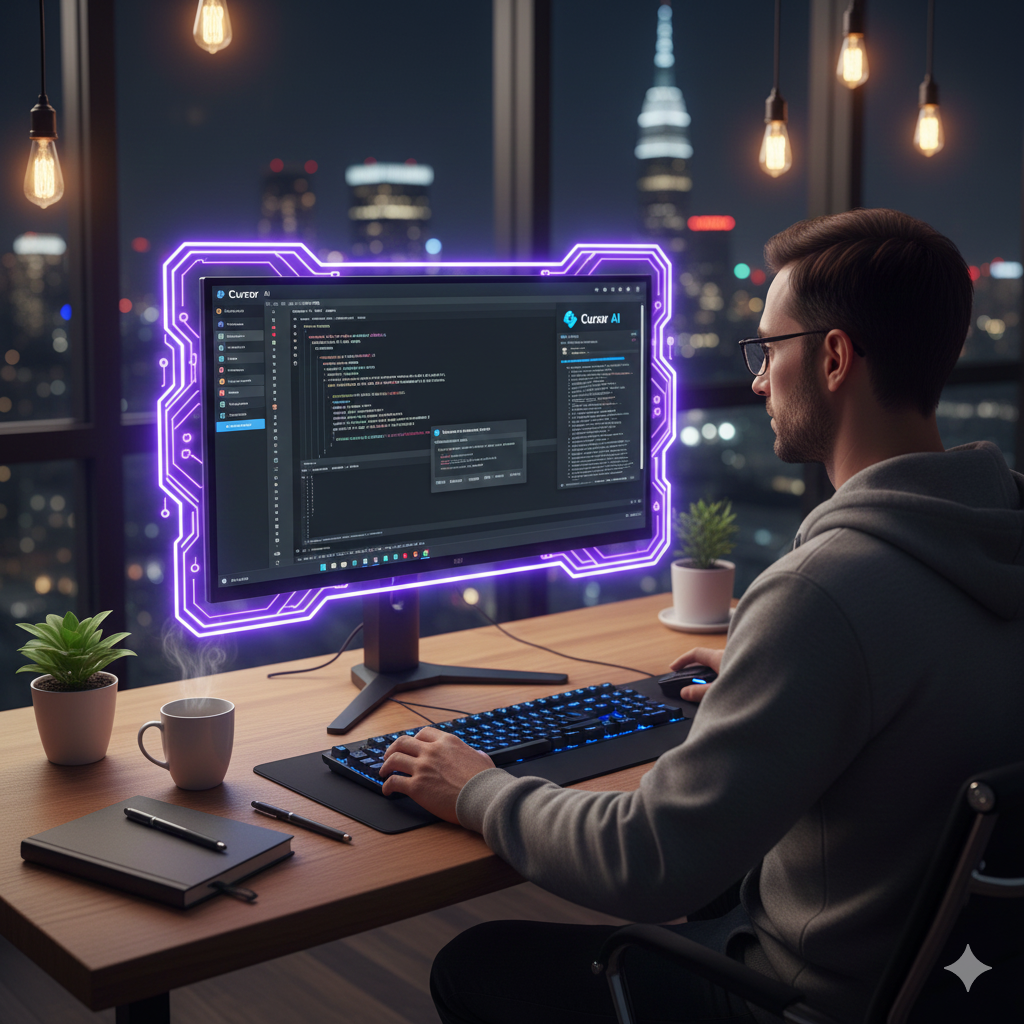
Cursor offers an AI-native code editor that allows developers to interact with AI directly inside the workspace. It’s designed to understand context across files, perform refactroing and answer questions about your code incremently.
Key Features:
- Context-aware code suggestions
- Built-in bug detecion tools
- Enhanced navigation and refactoring
Why It’s a Top AI Tool for Web Developers:
Cursor is ideal for mid and large-scale web projects where developers need AI guidance and powerful project understanding in a single workspace.
10. Google Antigravity – Agent-First AI Development IDE
Category: AI IDE
Best For: Advanced developers and AI agent workflows
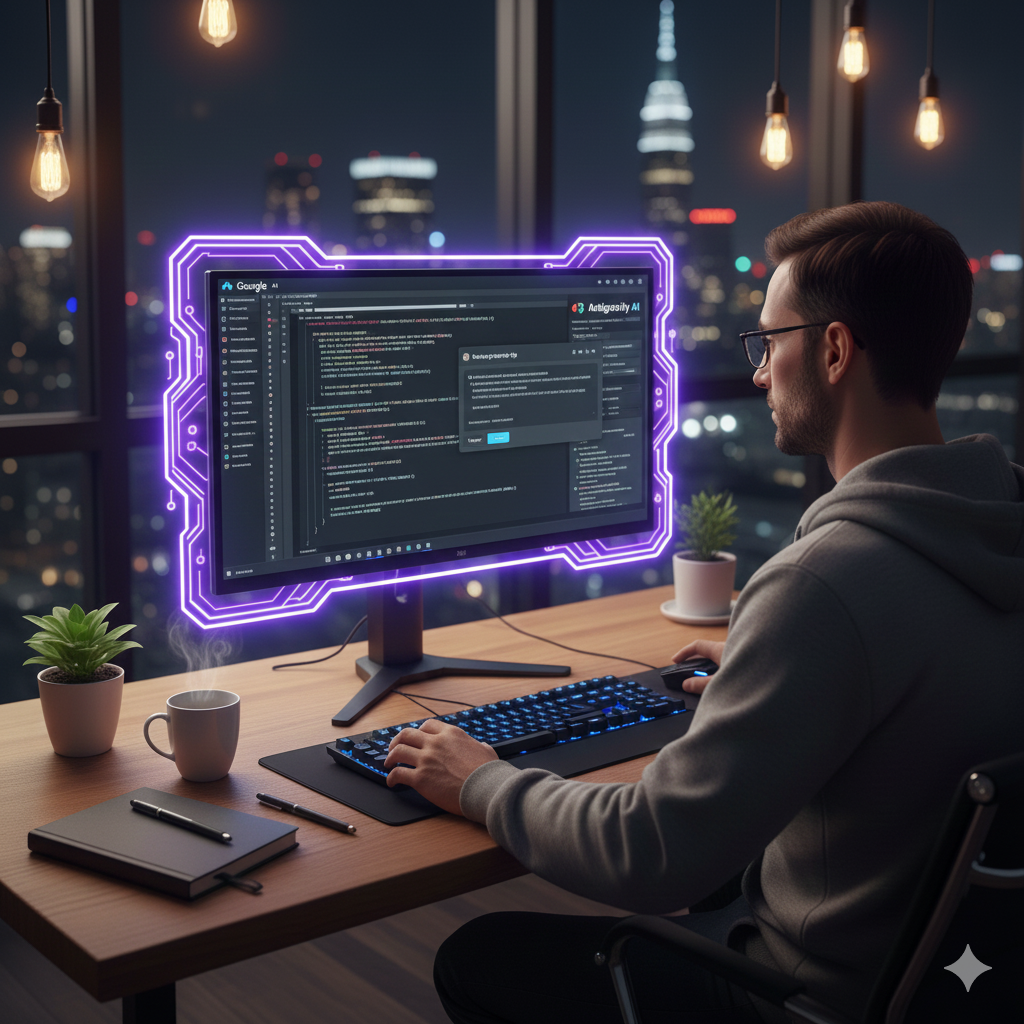
Google Antigravity is a cutting-edge AI-powered integrated development environment that uses autonomous agents powered by models like Google Gemini 3 to handle complex tasks, from planning features to generating large code segments.
Key Features:
- Autonomous task delegation
- Multi-model support
- Designed for high-productivity teams
Why It’s a Top AI Tool for Web Developers:
Antigravity represents the future of AI-augmented development – where agents can manage oarts of the coding lifecycle without constant human supervision, improving efficiency in large teams.
How to Choose the Right AI Tool for Your Workflow
With so many top AI tools for web developers available in 2026, selecting the right ones depends on your goals:
- For Code Generation: GitHub Copilot, Tabnine, Cursor
- For Design & Prototyping: Uizard, Framer AI , TeleportHQ
- For No-Code/Low-Code Sites: Webflow AI, Durable
- For All-Around AI Assistance: ChatGPT (Developer plugin)
Tips for Selection:
- Evaluate your workflow (coding, design, deployment)
- Consider integration with existing tools(IDEs, frameworks)
- Start with free tiers before committing to a paid plans
Conclusion
The landscape of web development in 2026 is rich with innovative AI tools that go beyond simple autocomplete. These platforms are helping developers accelerate workfolws, enhance design processes, reduce bugsm automate deployment tasks, and even create entire sites from prompts.
By leveraging the right mix of tools from this list of top AI tools for web developers, you’ll be positioned to build faster, release more compettitive products, and improve both developer satisfaction and business outcomes.
Add a Comment