
AI is transforming software development faster than any other era in tech history, with the right AI Coding tools. Today’s developers don’t just write code-they collaborate with intelligent systems that help generate, test, debug, document and optimize code inreal time. The following guide dives deep imto the best AI coding tools available in 2026 that every software developer should know – whether you’re beginner, intermediate or seasoned engineer.
In this article you will learn:
- What makes an effective AI coding tool
- Detailed breakdowns and comparisons of the top platforms
- How to choose the right tool for your workflow
- Tips for maximizing productivity with AI assistance
What Are AI Coding Tools ?
AI coding tools are software applicationa powered by artificial intelligence that help developers automate or accelerate parts of the programming process. These tools can:
- Autocomplete code and generate entire functions
- Translate natural language prompts into working software
- Detect bugs, security vulnerabilities and anti-patterns
- Comment and document code automatically
- Suggest architecture and test structures
These capabilities are enabled by advanced large language models(LLMs) and specialized machine learning techniques that understand programming languages, context and project structure. In 2026, AI-assisted development has moved beyond simple autocompletion to intelligent assistants that can actively assist throughout te software lifecycle.
Why Developers Should Adopt AI Coding Tools
Investing time in AI-enabled coding tools now is not just about convenience. It’s about strategic advantage:
- Boost Productivity: AI tools can write bilerplate, suggest solutions and reduce repetitive tasks.
- Improve Code Quality: Intelligent analysis finds logic errors and security ussues faster than manual review.
- Faster Learning: Junior developers can use suggestions and explanations to understand complex code patterns.
- Better Collaboration: AI can generate documentation and pull request summaries.
With widespread adoption by major tech companies, these tools are increasingly part of standard development workflows.
Top AI Coding Tools for Software Developers in 2026
These tools below are the most effective and widely used AI coding tools in professional development environments today.
1. GitHub Copilot
Best AI coding tool for real-time intelligent code suggestions
Overview:
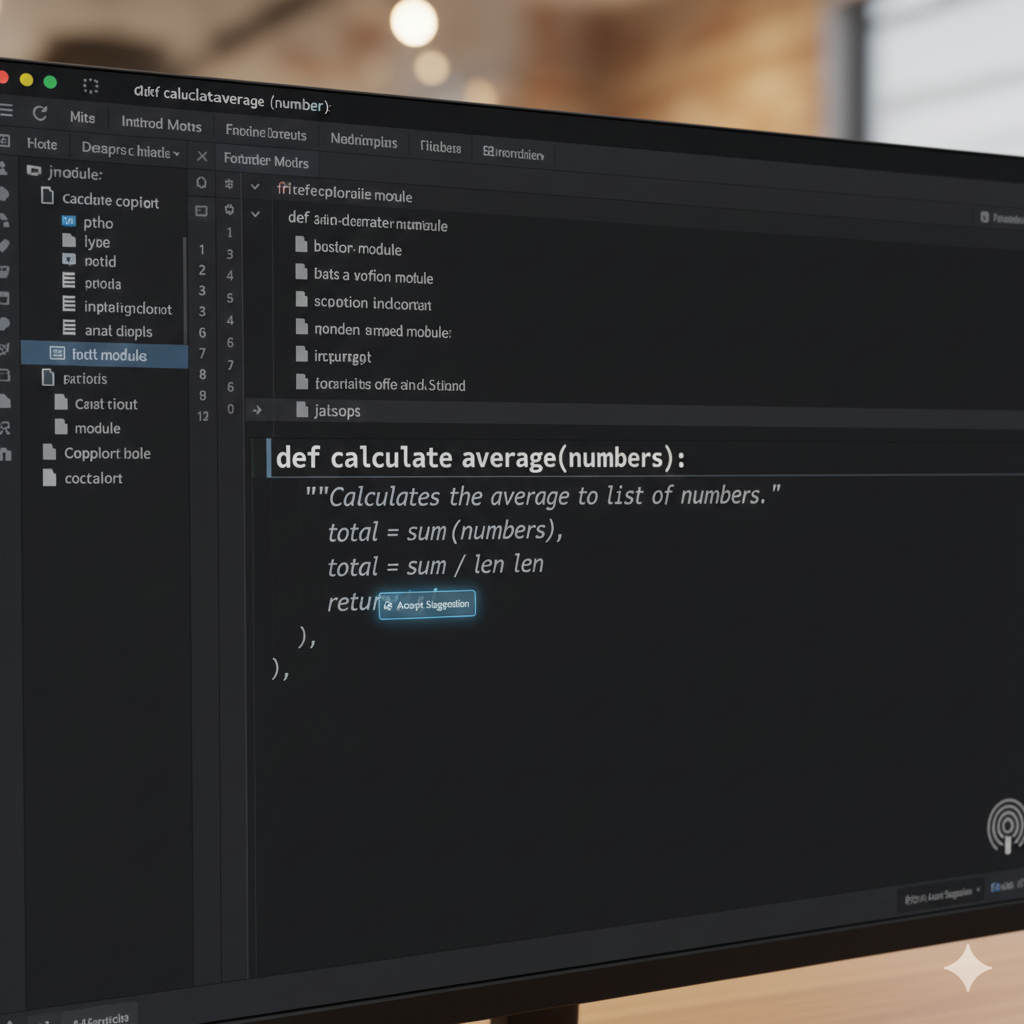
GitHub Copilot – developed by GitHub in partnership with OpenAI – remains one of the most popular and powerful AI coding tools available. Integrated directly into IDEs such as Visual Code, JetBrains editors and Neovim, Copilot offers context-aware code completion, rapid prototyping assistance and extensive language support.
Key Features:
- Autocomplete code and entire functions
- Generate unit tests and boilerplate code
- Natural language comment interpretation
- Support multiple languages (Python, JS, Go, Java)
Pros:
- Seamless IDE integration
- Backend and frontend coverage
- Strong community adoption
Cons:
- Subscription-based model
GitHub Copilot is ideal if you want a trusted, general-purpose AI assistant that helps you write better code faster.
2. Tabnine
Best for privacy-focused, customizable AI code generation.
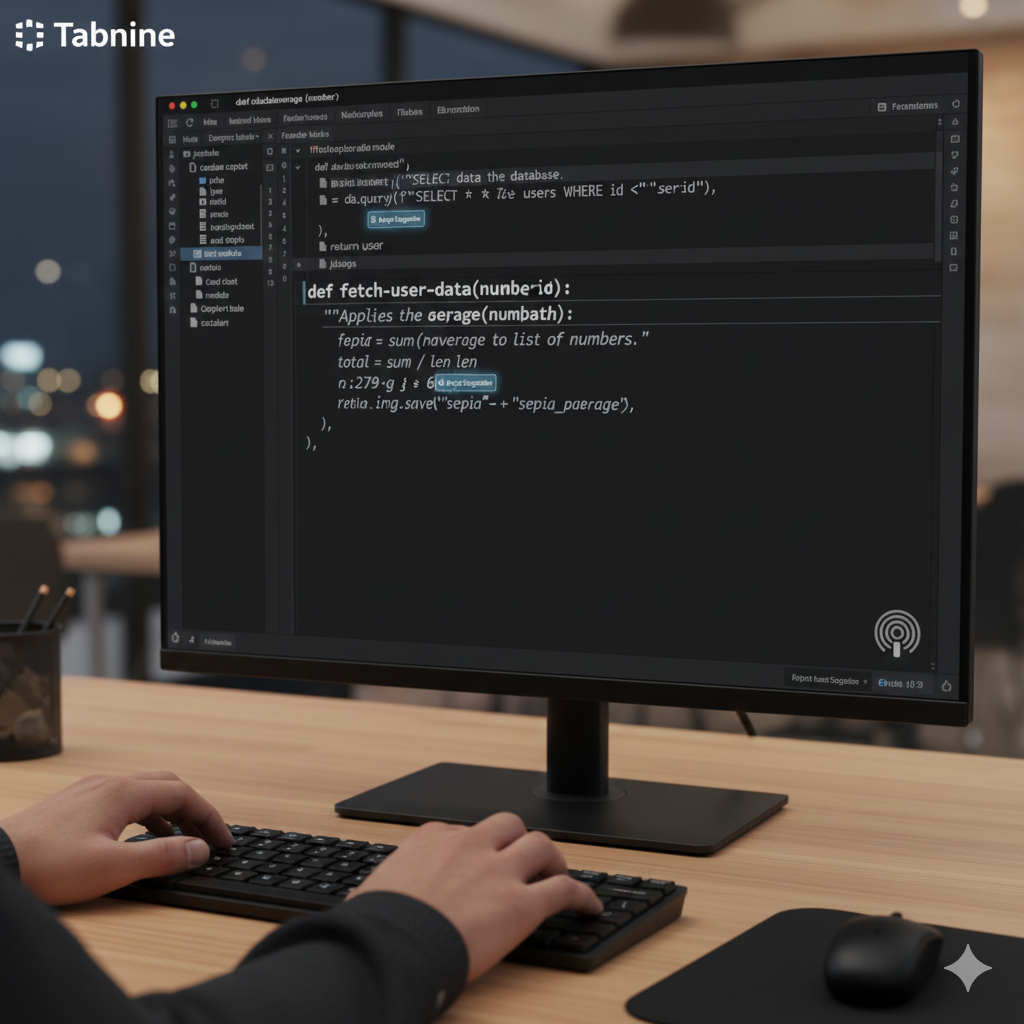
Tabnine is another leading entry in the AI coding tools space that emphasizes data privacy and local customization. It can be trained on your own codebase, making it especially attractive for enterprise environments or proprietary projects.
Key Features:
- Predictive and whole-line code completion
- Support for 30+ languages
- Local model deployment
- Team training on internal codebases
Pros:
- Strong focus on privacy
- Custom training improves accuracy
Cons:
- Requires configuration for maximum benefit
Tabnine is great for teams and individual developers who prioritize control over data and customization.
3. Replit Ghostwriter
Ideal cloud-based AI pair programmer.
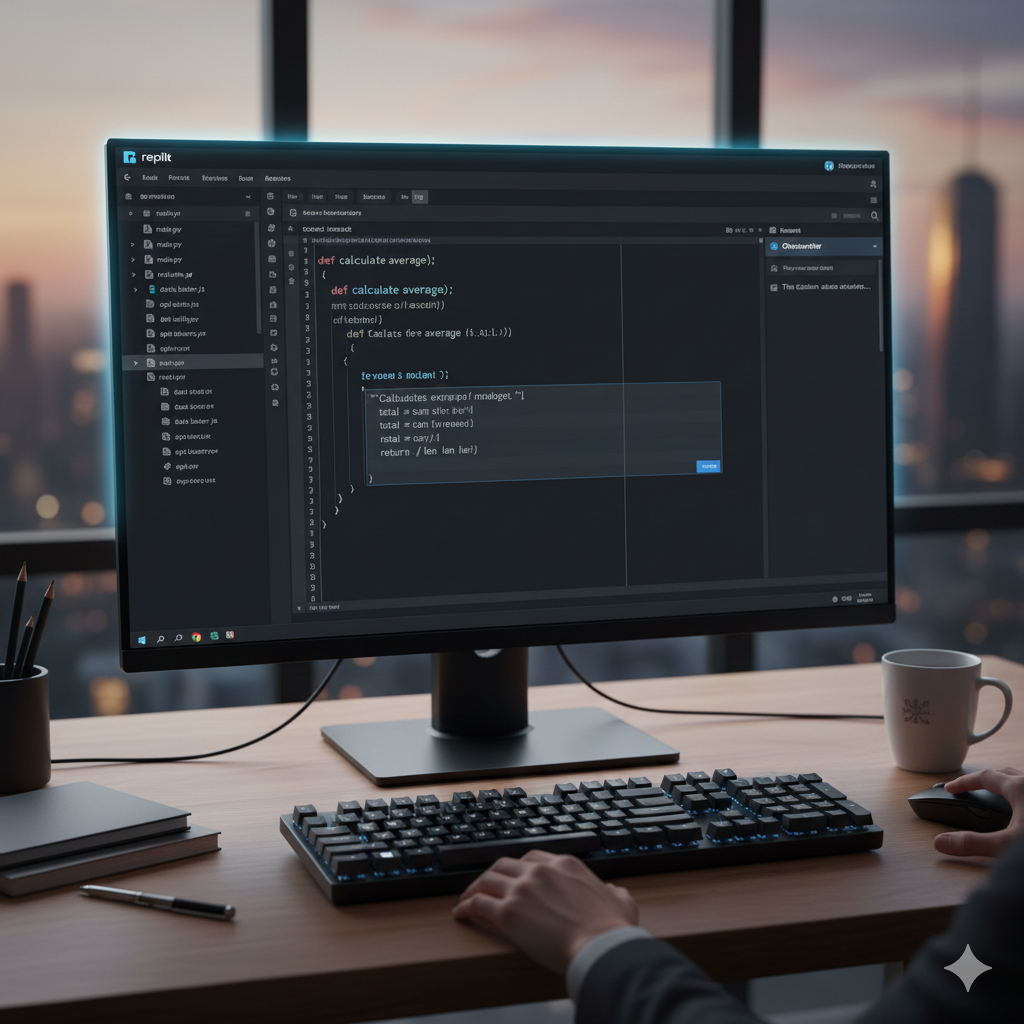
Replit Ghostwriter integrates AI directly into the Replit cloud IDE, allowing developers to build, debug and prototype without local setup. It’s cloud-native nature makes it easy to collaborate and share work.
Key Features:
- Code generation and real-time suggestions
- Cross-browser accessibility
- Collaborative workspace and shared coding
- Bug detection and explanation support
Pros:
- No local setup required
- Works from any device
- Great for education and learning
Cons:
- Requires internet connection
Replit Ghostwriter shines for prototyping and remote collaboration.
4. Amazon CodeWhisperer
Best for AWS- centric and enterprise development.
Amazon CodeWhisperer is tailored to developers working within the AWS ecosystem. It helps generate code snippets aligned with AWS practices and detects potential security risks.
Key Features:
- Connects with AWS SDKs and services
- Productivity and compliance suggestions
- Real-time recommendations

Pros:
- AWS-centric automation
- Integrated security insights
Cons:
- Best value inside AWS-focused projects
Use CodeWhisperer if you ‘re building cloud application on AWS infrastructure.
5. Codeium
Free alternative to Copilot with broad language support.
Codeium is a capable AI coding tool that offers autocomplete, chat assistance and code generation for free. It supports over 70 languages and various IDEs, making it especially useful for cost-aware developers.

Pros:
- Free tier with generous features
- Quick setup and responsive UI
Cons:
- Sometimes less accurate than paid counterparts
Codeium is perfect for hobbyists, students and early-stage developers.
6. Cursor
AI-powered code editor for advanced workflows.
Cursor is an emerging tool that feels like a hybrid between a full IDE and an AI coding assistant. It provides deeper context handling, cross-file understanding and code reasoning that goes beyond line-by-line suggestions.

Pros:
- Deep understanding of project structure
- Excellent for refactoring and large projects
Cons:
- Relatively new and evolving
Consider Cursor if you want more than basic autocomplete – especially for large or complex codebases.
7. Claude Code (Anthropic)
Agent-style AI coding assistant.
Anthropic’s Claude Code focuses on reasoning and deeper code analysis. It is available as a web app and CLI, making it a flexible tool for developers who need context-aware code generation and explanation.

Pros:
- Clear reasoning focus
- Suitable for complex tasks
Cons:
- Web-based features may require subscription
Claude Code is useful for developers needing intelligent assistance on logic-heavy coding problems.
8. Google Antigravity IDE
Agent-driven integrated development environment.
Google Antigravity merges powerful AI models with an IDE experience, enabling developers to delegate complex tasks to AI agents powered by cutting-edge models like Gemini.
Pros:
- Sophisticated AI collaboration
- Built on Google’s Gemini ecosystem
Cons:
- Stil in early preview stages
Antigravity appeals to developers seeking the most advanced integration of AI agents into daily workflows.
How to Choose the Best AI Coding Tools for You
Selecting the right AI coding tools depends on your goals and workflow:
1. Identify Your Use Case
- Daily coding assistance: Copilot, Tabnine, Codeium
- Cloud and enterprise: Amazon CodeWhisper, Antigravity
- Learning and prototyping: Replit Ghostwriter
2. Evaluate IDE Compatibility
Choose tools that integrate with your preferred development environment (VS Code, JetBrains, Vim, cloud IDEs).
3. Consider Data Privacy
If working on proprietary or sensitive code, prioritize tools that offer on-premises or local model options.
4. Balance Cost vs Value
Free tools may suffice for casual projects, but professional environments may benefit from premium offerings.
Tips to Maximize Productivity With AI Coding Tools
Leverage Prompt Best Practices
- Write clear natural language prompts
- Include context and examples
Use AI for Repetitive Tasks
- Generate tests, boilerplate and documentation
Combine Tools Strategically
- Use Copilot for autocomplete
- Use AI debugging tools for error analysis
Review AI-Generated Code Carefully
AI helps accelerate tasks but should not replace human review – always check logic and security implications.
Future Trends in AI Coding Tools
In 2026 and beyond, expect:
- Intelligent AI agents that handle entire features or workflows
- Deeper integration with version control and CI/CD
- Context-aware coding assistants that learn team patterns
These advancements mark a shift from simple suggestions toward AI partner systems that transform development fundamentally.
Conclusion
The best AI coding tools in 2026 provide developers with unmatched assistance in writing, debugging and optimizing software. Whether you’re just starting or building complex systems at scale, there’s a tool tailored to your needs – from GitHub Copilot’s robust autocomplete, to Cursor’s advanced context understanding, to Amazon’s cloud-optimized recommendations.
Adopt the right tools and workflows today and you’ll gain not just speed. but also clarity, efficiency and confidence in your code.
[…] AI coding assistants available. Embedded into mainstream IDEs like VS Code, JetBrains and others, Copilot understands your code context and suggests full blocks of code, documentation and even […]