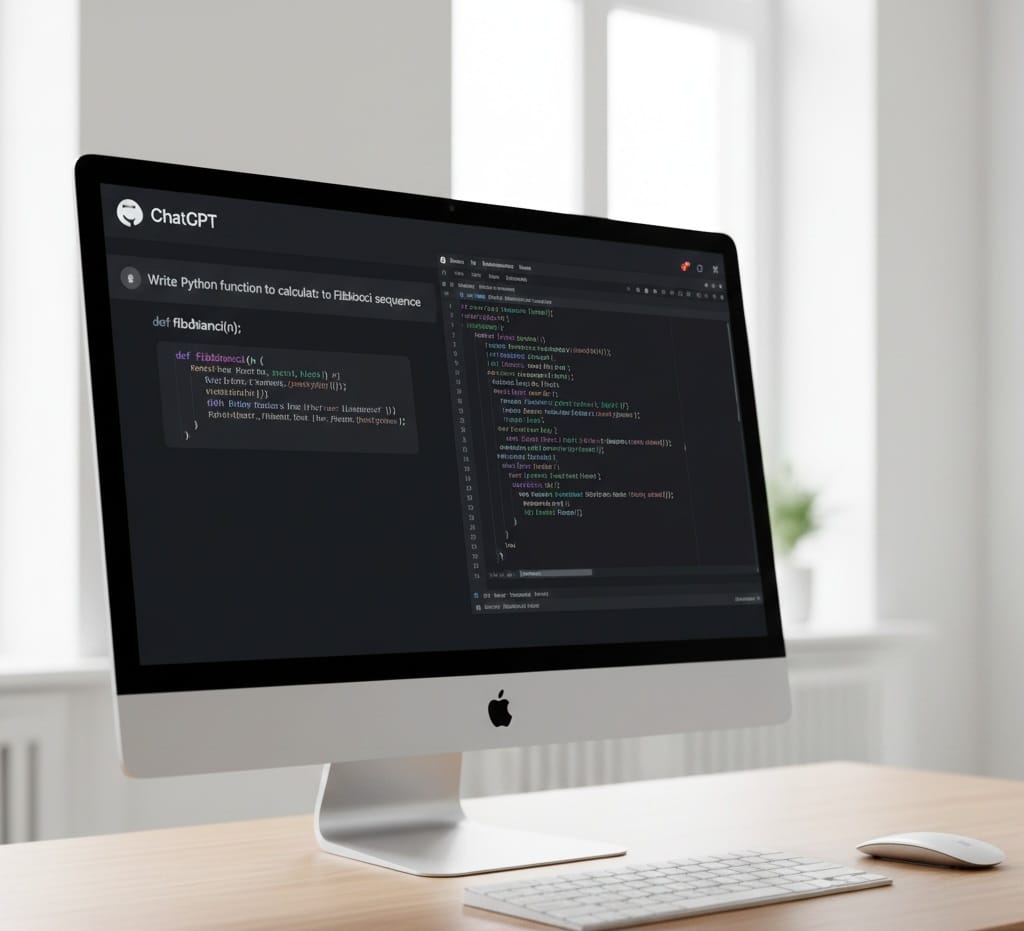
How Developers Use AI

How Developers Use AI to Increase Productivity in 2026

Understanding how developers use AI is critical not only for engineers but also for businesses, startups and content creators looking to stay competitive in a rapidly evolving digital economy. Artificial Intelligence is no longer a futuristic concept in software development – it is a daily productivity multiplier.

In 2026, developers across industries are using AI to write code faster, reduce bugs, automate repetitive tasks and focus on solving higher-level problems. This article provides a deep, practical and SEO-focused breakdown of how AI is transforming developer productivity, the tools involved, real-world workflows and future trends.

Why AI Has Become Essential for Developers

Modern software development is complex. Developers are expected to:

  • Ship features faster
  • Maintain clean, scalable code
  • Debug across large codebases
  • Handle documentation, testing and deployment
  • Keep up with rapidly changing frameworks

AI addressesn these challenges by acting as a productivity assistant, not a replacement. When used correctly, AI reduces cognitive load and accelerate execution.

Key reasons developers rely on AI today:

  • Faster development cycles
  • Reduced burnout
  • Improved code quality
  • Better learning and onboarding

Understanding how developers use AI starts with recognizing that productivity is not about writing more code – it’s about writing the right code efficiently.

1. How Developers Use AI for Faster Code Writing

One of the most impactful ways developers use AI is for code generation and completion.

AI-Powered Code Assistance

AI tools can:

  • Autocomplete lines and function
  • Generate entire components from comments
  • Convert natural language into code
  • Suggest syntax and best practices in real time

This dramatically reduces time spent on boilerplate and repetitive patterns.

Example workflow:

A developer writes a comment such as:
“Create a REST API endpoint to fetch users with pagination”

This AI instantly generates a working function with parameters, error handling and return values.

How Developers Use AI

Productivity impact:

  • Faster prototyping
  • Fewer syntax errors
  • Increased development velocity

This is one of the clearest examples of how developers use AI to save hours every week.

2. How Developers Use AI to Debug and Fix Errors

Debugging is traditionally one of the most time-consuming aspects of development. AI has transformed this process.

AI-Assisted Debugging

Developers now use AI to:

  • Analyze error logs
  • Explain stack traces in plain language
  • Identify root causes of bugs
  • Suggest fixes and refactors

Instead of manually tracing issues across multiole files, developers can paste an error message into an AI assistantnand receive structured guidance.

How Developers Use AI

Benefits:

  • Faster issue resolution
  • Reduced frustration
  • Improved understanding of complex bugs

This approach is especially valuable for junior developers, making debugging a learning experience rather than a blocker.

3. How Developers Us AI for Code Refactoring and Optimization

Code quality directly impacts long-term productivity. Developers increasingly rely on AI to keep codebases clean and maintainable.

AI-Driven Refactoring

AI tools help developers:

  • Identify redundant or inefficient code
  • Suggest netter algorithms
  • Enforce coding standards
  • Optimize performance bottlenecks

For large projects, AI can analyze entire repositories and recommend improvements across multiple files.

How Developers Use AI

Why this matters:

  • Reduced technicl debt
  • Easier collaboration
  • Improved performance

This is a powerful demonstration of how developers use AI not just to write code – but to improve it continuously.

4. How Developers Use AI for Documentation and Comments

Documentation is essential – buit often neglected due to time constraints. AI has significantly improved this area.

Automated Documentation Generation

Developers use AI to:

  • Generation function and class documentation
  • Create README files
  • Write API documentation
  • Summarize complex logic

By analyzing code context, AI can produce accurate, readable documentation in seconds.

How Developers Use AI

Productivity gains:

  • Faster onboarding for new developers
  • Better collaboration
  • Reduced knowledge silos

Good documentation is now achievable without slowing development.

5. How Developers Use AI for Learning and Skill Growth

AI has become a powerful learning companion for developers at all experience levels.

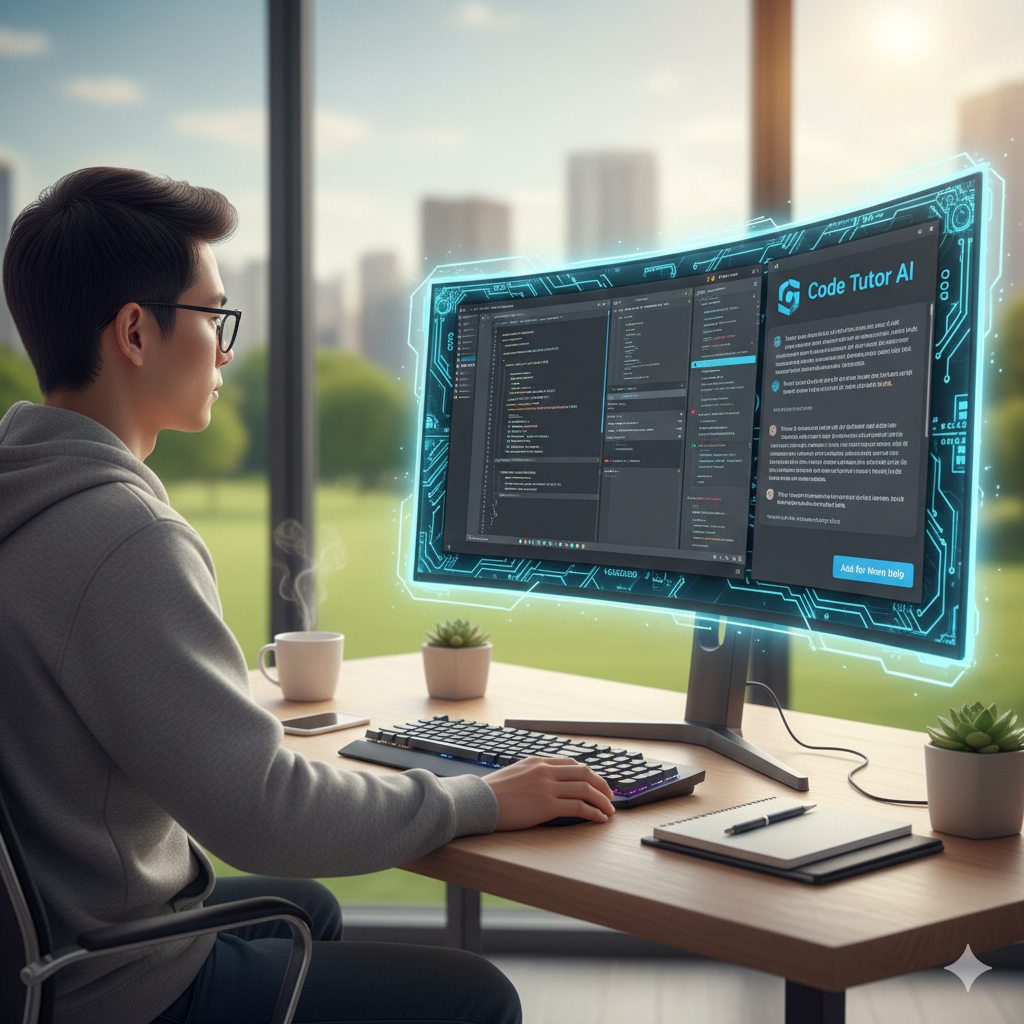
AI as a Personal Tutor

Developers use AI to:

  • Learn new programming languages
  • Understand unfamiliar frameworks
  • Get explanations of complex concepts
  • Compare different approaches to solving problems

Instead of searching multiple tutorials, developers ask AI targeted questions and receive contexual explanations.
How Developers Use AI

Impact on Productivity:

  • Faster skill acquistion
  • Reduced context switching
  • Increased confidence

This learning acceleration is a major factor in how developers use AI to stay competitive.

6. How Developers Use AI for Testing and Quality Assurance

Testing is essential but time-intensive. AI significantly reduces the effort required.

AI-Genrated Tests

Developers use AI to:

  • Generate unit tests
  • Create edge-case scenarios
  • Identify missing test coverage
  • Suggest test data

AI can analyze code and automatically produce meaningful tests that align with logic and expected behavior.

How Developers Use AI

Results:

  • Higher test coverage
  • Fewer production bugs
  • Faster releases

AI makes testing a proactive step rather than a last-minute chore.

7. How Dvelopers Use AI for Frontend and UI Development

Frontend development involves design, responsiveness, accessibility and performance. AI assists across alla these areas.

AI-Assisted UI Creation

Developers use AI to:

  • Generate HTML/CSS from design prompts
  • Convert designs into components
  • Optimize layouts for responsiveness
  • Improve accessibility compliance

AI can even suggest color contrast improvements and semantic HTML changes.

How Developers Use AI

Advantages:

  • Faster UI prototyping
  • Better design consistency
  • Reduced manual styling work

This is especially valuable for full-stack developers handling both backend and frontend tasks.

8. How Developers Use AI for Backend and API Development

Backend development often involves repetitive logic, data handling and integration work- areas where AI excels.

AI in Backend Workflows

Developers use AI to:

  • Generate REST and GraphQL APIs
  • Write database queries
  • Design authentication flows
  • Handle data validation and error handling

AI reduces boilerplate wile enforcing best practices.

How Developers Use AI

Productivity impact:

  • Faster backend setup
  • Cleaner architecture
  • Reduced implementation errors

9. How Developers Use AI for Project Planning and Architecture

AI is increasingly used beyond code – to assist with planning and decision-making.

AI-Driven Planning

Developers use AI to:

  • Break features into tasks
  • Suggest architecture patterns
  • Estimate imlementation complexity
  • Generate technical specifications
How Developers Use AI

This allows teams to start projects with clearer direction and fewer redesigns later.

10. How Developers Use AI to Automate Repetitive Tasks

Repetitive tasks drain productivity. AI helps automate them.

Automation Use Cases

Developers useAI to:

  • Write scripts
  • Manage deployments
  • Generate commit messages
  • Summarize pull requests

This automation frees time for creative and complex problem-solving.

Best Practices for Using AI Without Losing Code Quality

While AI boosts productivity, developers must use it responsibly.

Best Practices:

  • Always review AI-generated code
  • Understand the logic before deploying
  • Avoid blindly copying outputs
  • Use AI as an assistant, not a crutch
How Developers Use AI

Teams that follow these principles gain speed without sacrificing reliability.

Future of Developer Productivity with AI

Loking ahead, how developers use AI will continue to evolve:

  • AI agents managing entire features
  • Context-aware assistants across repositories
  • Deeper integration with CI/CD pipelines
  • Predictive debuggig and optimization

AI will not replace developers but developers who use AI effectively will outperform those who don’t.

Conclusion

In 2026, productivity is no longer defined by how fast you type – it’s defined by how intelligent you work. Understanding how developers use AI reveals a clear pattern: AI is a force multiplier that enhances speed, accuracy, learning and creativity.

From writing and debugging code to testing, documentation, UI design and project palnning, AI has become an indispensable partner in modern development workflows. Developers who adopt AI strategically are not just working faster – they are working smarter.

how to start a blog

How to start a Blog That Makes Money (Beginner’s Guide)

Before knowing on how to start a blog that makes money, it is important to understand that starting a blog is one of the most powerful ways to make money online, build a personal brand, and create long-term passive income. But the truth is not all blogs make money.

If you are serious about learning how to start a blog that actually earns, this guide will walk you through everything step by step, even if you have zero technical experience.

By the end of this article, you will know:

◆ How to start a blog the right way
◆ How successful bloggers make money
◆ The biggest mistakes beginners must avoid
◆ A proven roadmap to grow traffic and income

how to start a blog

Why Blogging Is Still Profitable in 2025

Many beginners ask if blogging is still worth it? Te best answer is YES

Here’s why:

  • Google processes 8.5 billion searches per day
  • Businesses pay billions for content marketing
  • Blogs can earn from ads, affiliates, digital products, and services
  • AI tools help bloggers grow faster

Thousands of bloggers earn $1,000-$100,000+ per month using simple proven strategies. But success depends on how you start a blog, not just starting one.

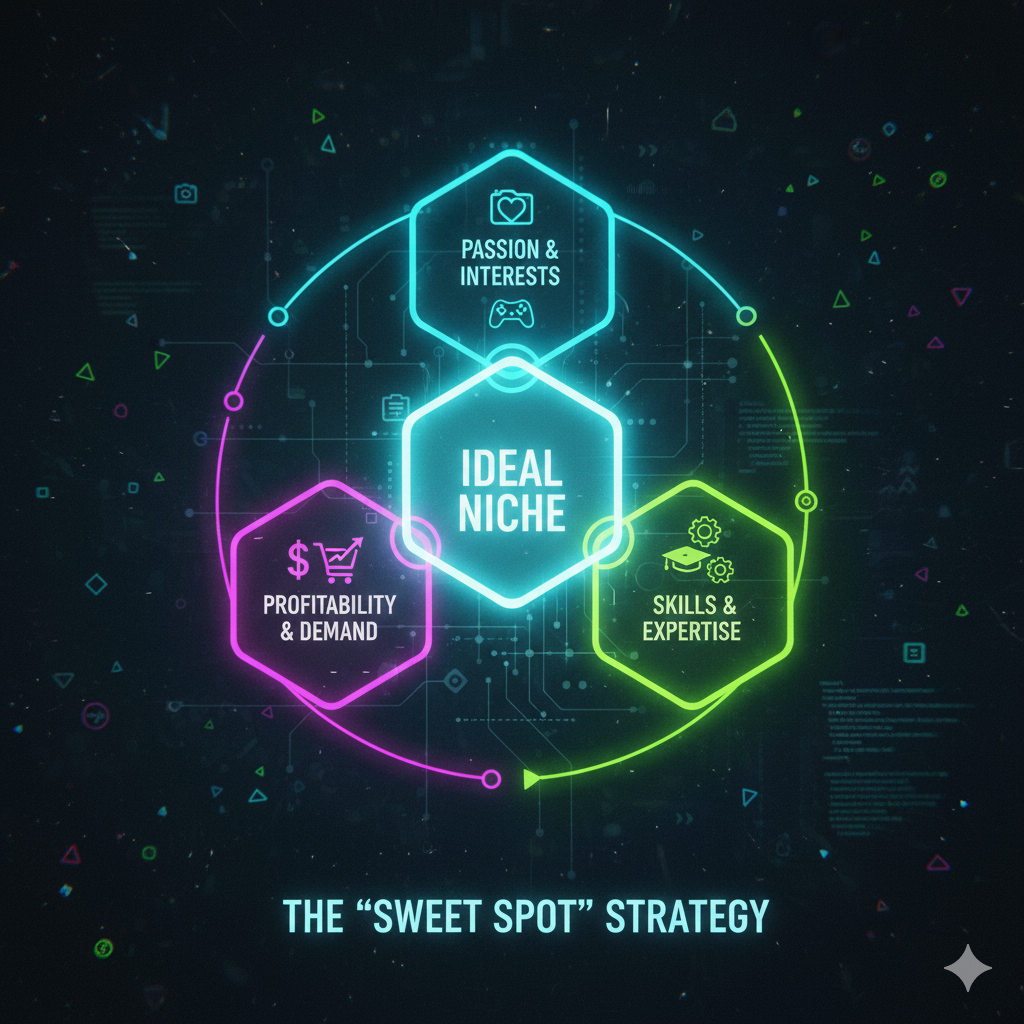
Step 1: Choose a Profitable Blog Niche

If you want to learn how to start a blog that makes money, niche selection is critical.

What Is a Blog Niche ?

A niche is the main topic your blog focuses on.

Best profitable Blog Niches:

  • Personal finance & investing
  • Health & fitness
  • Technology & AI
  • Digital marketting & blogging
  • Travel
  • Education & career
  • Lifestyle & self-improvement

How to Validate a Profitable Niche:

This are the qiestions you need to ask yourself:

  • Are people searching for this topic?
  • Can I solve problems in this niche?
  • Are products/services available to promote?

    So choose a niche that balances passion + profit.
how to start a blog

Step 2: Pick a Domain Name & Hosting

This is where your blog officially begins.

How to choose a Domain Name:

  • Keep it short and memorable
  • Avoid numbers and hyphens
  • Prefer .com
  • Make it brandable

Examples:

  • SmartMoneyGuide.com
  • FitLifeJourney.com

Best Hosting for Beginners:

Reliable hosting improves site speed, SEO and rankings

Top beginner-friendly hosting providers:

Most offers :

  • Free domain
  • 1-click WordPress install
  • SSL security

    WordPress powers 43% of all websites.

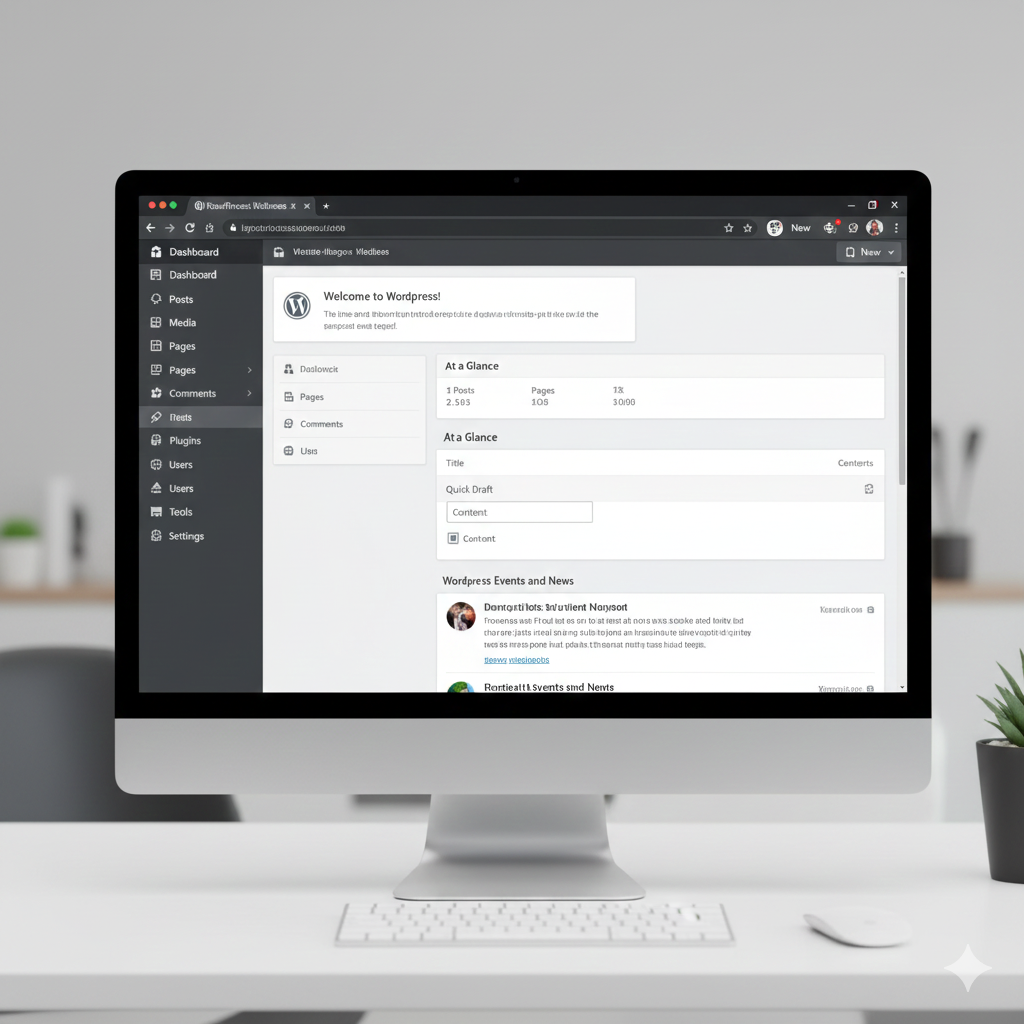
Step 3: Install WordPress & Set Up Your Blog

Once hosting is purchased, install WordPress.

Essential Blog Setup:

  • Choose a clean, fast theme like Astra, GeneratePress
  • Set permalink structure to Post Name
  • Create essential pages:
    ✔ About
    ✔ Contact
    ✔ Privacy Policy
    ✔ Disclaimer

    This setup help with trust, SEO and Google approval.
how to start a blog

Step 4: Install Must-Have Plugins

Plugins add functionality to your blog.

Essential WordPress Plugins:

  • Rank Math or Yoast SEO (SEO optimization)
  • WP Rocket or LiteSpeed Cache (speed)
  • Elementor (page builder)
  • UpdraftPlus (backup)
  • Aksimet (spam protection)

    Don’t install too many plugins, it slows your site.

Step 5: Create High-Quality Content

If you want Google to rank your blog, content is the key.

Content Types That Rank:

  • How-to guides
  • Tutorials
  • List posts
  • Product reviews
  • Comparisons

SEO Content Formula:

Target one main keyword per article.
Use keyword in :
➤ Title
➤ URL
➤ First 100 words
➤ Subheadings
➤ Meta description

Example:

Main keyword: how to start a blog
Related keywords can be :

  • how to start a blog for beginners
  • how to start a blog and make money
  • blogging step by step
how to start a blog

Step 6: Monetization Methods (How Blogs Make Money)

This is where blogging turns into income.

1. Affiliate Marketing (Best for Beginners)

Earn commission by promoting products.

Examples:

  • Amazon Associates
  • Hosting affiliate programs
  • Online tools & courses

2. Display Ads

Get paid per impression or click.

Popular ad networks:

  • Google AdSense
  • Ezoic
  • Mediavine

3. Digital Products

  • Ebooks
  • Courses
  • Templates
  • Printables

4. Freelancing & Services

  • Writing
  • Coaching
  • Consulting

    Many bloggers use multiple income streams.
how to start a blog

Step 7: Drive Traffic to Your Blog (SEO Strategy)

Traffic is everything in a blog.

Best Traffic Sources:

  • Google SEO
  • Pinterest
  • Email marketing
  • Social media

Basic SEO Tips:

  • Write long-form content (1500+ words)
  • Optimize images with alt text
  • Internal linking
  • Mobile-friendly design
  • Fast loading speed

How long Until Traffic ?

  • 3-6 months: initial traffic
  • 6-12 months: growth phase
  • 12+ months: consistent income

    Blogging is not a get-rich quick scheme, but it works.

Step 8: Build an Email List

An email list protects you from:

  • Google algorithm updates
  • Traffic drops
  • Platform dependency

How to Build an Email List:

  • Offer a free lead magnet
  • Use email tools (ConvertKit, MailerLite)
  • Add opt-in forms

    Email marketting helps in higher conversions.
how to start a blog

Common Mistakes Beginners Must Avoid

❌ Choosing the wrong niche
❌ Publishing inconsistent content
❌ Ignoring SEO
❌ Expecting fast money
❌ Copying others instead of adding value

Avoiding these mistakes gives you a huge competitive advantage.

How Long Does It to Make Money Bloging?

Realistic timeline:

  • First 3 months – learning
  • 6 months – small income
  • 12 months – $500-$2,000/month
  • 24 months – full-time income possible

    Consistency beats talents.

Final Thoughts: Is Blogging Worth It?

Yes but only if you are willing to:

  • Learn SEO
  • Publish valuable content
  • Stay consistent
  • Be patient

Then learning how to start a blog can change your life.

Blogging offers:
✅ Freedom
✅ Scalability
✅ Passive income
✅ Long-term growth

Ready to Start Your Blog Today?

Start now:

  1. Choose a niche
  2. Get hosting
  3. Install WordPress
  4. Publish your first post
  5. Stay consistent
    Your future income starts with your first blog post.
how to use ChatGPT

How to Use ChatGPT for Studying,Coding and Daily Tasks

how to use ChatGPT

If you have ever wondered how to use ChatGPT to study better, code faster and simplify daily tasks, you are in the right place.ChatGPT has evolved into one of the most powerful AI tools in 2025 – and when it is used correctly it can boost your productivity, learning speed and the ability to solve problems.

In this complete guide, we will explore on how to use ChatGPT for studying, coding and your daily tasks, with real prompts, examples and tips that will perfect your work.

Table Of Contents

  1. What is ChatGPT ?
  2. Why you should learn how to use ChatGPT effectively
  3. How to use ChatGPT for studying
    ● Summaries
    ● Flashcards
    ● Exam preparations
    ● Complex explanations
    ● Math and Science help
  4. How to use ChatGPT for Coding
    ● Writing code
    ● Debugging
    ● Code explanation
    ● Learning languages
    ● Building full projects
  5. How to use ChatGPT for Daily Tasks
    ● Productivity
    ● Planning
    ● Emails & writing
    ● Shopping & health
    ● Travel planning
  6. Best Prompts for Maximum results
  7. Pro Tips to use ChatGPT like a Pro

1. What is ChatGPT ?

Before learning how to use ChatGPT , you should understand what is ChatGPT. ChatGPT is an advanced AI language model that can analyze text, generate content, solve problems, explain concept, write code, summarize information and help with nearly any text through natural language interaction.

ChatGPT understands context, explain concepts clearly, personalizes answers, offer detailed step by step solutions. This makes ChatGPT a powerful tool for students, programmers and everyday users.

2. Why You Should Learn How to Use ChatGPT Effectively

Learning how to use ChatGPT gives you huge advantage. Here’s why:
✔ It saves time – it gives instant answers rather than browsing dozens of websites.
✔ It acts like tutor, mentor and assistant – ChatGPT is perfect for learning new subjects and skills.
✔ It boost productivity – it helps writing , coding, planning and many more.
✔ It gives personalized solutions – unlike other tools ChatGPT adapts to your needs and level.
✔ It works 24/7 – ChatGPT is available any time.

3. How To Use ChatGPT for Studying

Students around the world use ChatGPT daily, but the secret is knowing how to use it effectively which a few knows that. Learning how to use ChatGPT for studying can improve your grades and saves your time.

3.1 Using ChatGPT to Summarize Textbook and Notes

This is one of the most efficient and time saving tasks, you just paste any text – chapter, lecture notes or long explanations – and ChatGPT will summarize it.

You can ask for the following:
● Key ideas
● Simple explanations
● Bullet points
● Definitions
● Chapter highlights

Example:
“Summarize this chapter and explain it in simple words. Highlight important concepts.”

3.2 Creating Flashcards with ChatGPT

Flashcards are effective especially when you want to memorize faster. ChatGPT can generate question-answer cards, MCQs, True/False cards, fill in the blank cards.
Example:
“Create 20 flashcards for chapter 3: Photosynthesis, with Q&A format.”

3.3 Getting Explanations for Difficult Concepts

When learning how to use ChatGPT, one of the biggest advantages is the ability to simplify complex topics.
Examples:
“Explain quantum mechanics like i’m 12.”
“Explain supply and demand with real life example.”

3.4 Helping with Math, Physics and Science

ChatGPT can solve equations, show steps and explain formulas. ChatGPT is very good at explanations so always ask for explanations not just answers so you learn.

Example:
“Solve this equation step by step: 3x+4=19.Explain every step.”

3.5 Creating Study Plans

ChatGPT can organize your entire study routine and give you perfect routine that you can do all your tasks plus your entertainments with breaks between your routines.

Example:
“Create a 7 day study plan to prepare for my biology exam.Includes daily topics and breaks.”

4. How to Use ChatGPT for Coding

Whether you are beginner or developer, learning how to use ChatGPT for coding can saves you counltess hours.
Here’s how:

4.1 Writing Code Automatically

ChatGPT can generate complete code based on your instructions. It supports all major languages including python, java, javaScript, c++, c#, swift, PHP, SQL, HTML/CSS.

Example:
“Write a Python script that automatically downloads and renames images.”

4.2 Debugging Code

If you get any error just paste your code and ask ChatGPT to find the mistake. Using ChatGPT this way is like having a senior developer sitting beside you.

Example:
“Here is my code and the error message. Fix the code and explain the error.”

4.3 Explaining Code step by step

Learning how to use ChatGPT includes making it your personal programming tutor. ChatGPT can transform confusing code into simple explanations.

Example:
“Explain this java code line by line like for a beginner.”

4.4 Learning New Programming Languages

If you are learning new language ChatGPT can guide you, you can ask syntax rules, examples, comparisons, best practices.

Example:
“Teach me Python from zero. Give me lessons and exercises.”

4.5 Building Full Projects

This is where ChatGPT truly shines. You can request project ideas, folder structures, database design, full code files, documentation, testing scripts.

Example:
“Generate a full to-do app in javaScript. Include HTML, CSS, and JS.”

5. How to Use ChatGPT for Daily Tasks

Learning how to use ChatGPT for daily tasks can help you alot including:
● Plan your idea
● Manage tasks
● Write messages
● Organize budgets
● Improve healths
● Travel better
Here is how to use practically:

5.1 Planning Your Day

ChatGPT can actually help you plan your day to stay organized.
Example:
“Plan my day with study time, worktime, meals and breaks. I wake up at 7 AM.”

5.2 Writing Emails, Messages and Documents

ChatGPT can write anything:
● professional emails
● formal letters
● resumes
● reports
● esseys

Example:
“Write polite email asking my professor for an extension.”

5.3 Shopping, Budgeting and Money Management

ChatGPT helps you compare products, plan budgets and make smarter purchases. It collects data of products you want to buy from different shops,websites and other markets.

Example:
“Suggest the best smartphone under $300 in 2025 with pros and cons.”

5.4 Fitness & Nutrition Plans

You can use ChatGPT for general wellness planning like;
● diet plans
● workout routines
● habit tracking
● sleep schedules

Example:
“Create 2 weeks beginner workout plan I can do at home.”

5.5 Travel Planning

ChatGPT is very good at planning and can help you create full travel plans including costs, clothes, all the activities you would do and the places to visit.

Example:
“Plan a 5-day trip to Dubai including costs, places and timings.”

6. Best Prompts for Using ChatGPT

Studying Prompts

● “Explain this topic simply: “
● “Summarize this text: “
● “Create flashcards for [subject]”
● “Make a study plan for my exam”

Coding Prompts

● “Debug this code: “
● “Explain this code line by line”
● “Write a script that does [task]”
● “Optimize this function for speed”

Daily Life Prompts

● “Plan my day”
● “Write an email about [topic]”
● “Make a shopping list under $50”
● “Create a meal plan for 7 days”

7. Pro Tips to Use ChatGPT Like a Professional

✔ Be specific – the more clarity you give , the better the results
✔ Use foolow-up instructions – ChatGPT improves when you refine the prompts
✔ Request step by step solutions – this will help you learn more efficiently
✔ Use ChatGPT daily – the more you use the better you understand how to use ChatGPT efficiently

Conclusions

Knowing how to use ChatGPT gives you a powerful advantage in studying, coding, and everyday life. Whether you want better grades, faster coding or a more productive lifestyle, ChatGPT acts as your personal tutor, developer and assistant. Use the prompts and strategies in this guide to unlish the full potential of ChatGPT in 2025 and beyond.


how-to-become-web-designer1

How To Become Web Designer In 2025: Complete Step-By-Step Guide For Beginners

Current image: how-to-become-web-designer1

Web design is the most in-demand digital careers in 2025 and it is necessary to know how to become web designer. From small businesses to global brands,everyone needs a website and ofcourse they need someone skilled and creative to build it. Because of this demand many people are searching for how to become web designer and how to enter this amazing field without spending years in school or thousands of dollars.

This guide will walk you step-by-step through exactly how to become web designer even if you have no experience. You will learn skills to master, tools to use, mistakes to avoid, how to build your portfolio and even how to get your first client.

What Does Web Designer Do ?

Before you learn how to become web designer, it is important to understand what the job really involves.

A web designer is responsible for :
1. Designing layouts, color schemes, fonts, and graphics
2. Ensuring website is user-friendly and visually appealing
3. Working closely with developers
4. Designing mobile-friendly (responsive) layouts
5. Understanding basic front-end elements
6. Improving website usability and flow
7. Creating wireframes, prototypes, and mockups

Step 1 : Learn The Foundations Of Web Design

Every journey on how to become web designer starts with learning the basics. These are the core fundamentals every designer needs to understand.

1.1 Learn Design Principles

  • Color theory
  • Typography
  • Spacing and Layout
  • Visual hierarchy
  • Balance and alignment
  • Contrast and readability

1.2: Learn UI/UX Basics

  • User journeys
  • User experience flows
  • Wireframing
  • User-centric designs
  • Interactive designs
  • Accessibilites(A11y)

    Strong UX skills make your designs more effective and more valuable to clients.

Step 2: Master The Essential Web Design Tools

Tools are the pivot to learning how to become web designer and the good news is many are free or affordable.

2.1: Graphics and Interface Design Tools

  • Figma – choice for web designers
  • Adobe XD – UI/UX tool
  • Sketch – Mac-only design app
  • Canva – great for beginners

2.2: Website Builders (No code needed)

  • WordPress(Elementor, Divi)
  • Webflow
  • Wix Studio
  • Squarespace

    Knowing this will help you get clients faster. Webflow is one of the fastest growing no-code tools for professional web designers.

2.3 Optional: Learn Basic Front-End Code

  • Html
  • CSS
  • Basic javaScript

This is not required but learning the basics will make you much better at your job. Even a small understanding will make you communicate with developers and designers.

Step 3: Practice by Designing Real Websites

Once you master the basics and tools, the next step on how to become web designer is practice.
Here are beginner-friendly practice ideas:

3.1: Redesign Existing Websites

Choose old outdated or poorly designed website and redesign them. Some good options are:
1. Local restaurants
2. Small online stores
3. Schools
4. Nonprofits

3.2: Create Fake Client Projects

  • A personal trainer
  • A real estate agent
  • A photographer
  • A clothing store
  • A travel agency

3.3: Follow UI/UX challenges

  • 50 days UI challenge
  • Dribble weekly challenge
  • Behance creative challenges

    This help you build creativity and consistency.

Step 4: Build A Professional Web Design Portfolio

Your portfolio will determine whether you you will get clients or job. Portfolio is one of the essential part of how to become web design

What to Include in your Portfolio

  • Your best 4-5 web design projects
  • Website redesigns
  • Prototypes and wireframes
  • Final design mockups
  • Case studies that explains your process

Create a Portfolio Website Using:

Your Portfolio should show:
1. Who you are
2. What you do
3. Your design style
4. Your Process
5. Contact info

Step 5: Learn The Business Side of Web Design

Understanding how to get paid is part of learning how to become web designer.

5.1: Decide your Path

  • A freelance web designer
  • An in-house designer at a company
  • A web designer at an agency
  • A UI/UX designer
  • A webflow/WordPress specialist

5.2: Find Your First Clients

Beginners often start with:

  • Local businesses
  • Non profits
  • Student organizations
  • Friends and family
  • Freelancing platforms

Platforms to find work:

  • Upwork
  • Fiverr
  • Freelancer
  • LinkedIn
  • Facebook business groups

5.3: Set Your Prices

Beginners: $200-$800 per website
Intermediate designers: $800-$2,500
Advanced designers: $3,000-$10,000+

Step 6: Stay Updated With Trends And Modern Design Standard

Staying updated is essential in learning how to become web designer long term, as web designs trend change constantly.

Popular Web Designs Trends in 2025

  • AI assisted design
  • Dark mode themes
  • Minimalist layouts
  • Accessible design
  • 3D illustrations
  • Motion UI

Best Resources to Learn Trends

  • Dribbles
  • Behance
  • YouTube designers
  • Figma community files
  • Webflow showcase

Step 7: Improve Your Soft Skills

Technical skills helps a person design, butbsoft skills help succeed.
Web designers need:

  • Communication skills
  • Time management
  • Creativity
  • Problem-solving
  • Basic marketing skills
  • Understanding the client

Step 8: Create an Online Presence

If you want client to consider you or take you seriously, you must show up online.

Ways to build a digital presence:

  • Create a professional LinkedIn
  • Post on social media like Instagram
  • Share designs on Dribble and Behance
  • Write blog post about web design
  • Create YouTube or TikTok tutorials

Step 9: Build Real-World Experience

Experience is the final step in your journey of how to become web designer. You can start small:

  • Volunteer Projects
  • Internship
  • Local businesses
  • Personal projects
  • Online challenges

Step 10: Keep Learning and Growing

Web designs constantly evolves with new tools, trends, and technologies. To stay competitive:

  • Take courses(Udemy, Coursera)
  • Join design communities
  • Study UI/UX case studies
  • Read design books
  • Watch tutorials

Conclusion

Web design is one of the most rewarding careers in 2025. Creative, flexible, well-paid and full of opportunity. Whether you want freelancing career, a remote job or to start your own agency, it is the perfect time to begin.