affiliate programs

Best Affiliate programs for Beginners in 2026

Affiliate marketing remains one of the most accessible ways to start earning online through affiliate programs, especially for beginners looking to build passive income. With the right affiliate programs, you can promote products or services and earn commissions- often without holding inventory or providing customer support. This article will guide you through the top affiliate programs ideal for beginners, how they work, what makes them beginner-friendly and strategies to maximize your earnings.

Table of Contents

  1. Why choose Affiliate Marketing?
  2. What to look for in Affiliate Programs
  3. Top Affiliate Programs for Beginners
    β€’ Amazon Associates
    β€’ ShareAsale
    β€’ Commission Junction (CJ Affiliate)
    β€’ Rakuten Marketing
    β€’ ClickBank
    β€’ Shopify Affiliate Program
    β€’ Awin
    β€’ Bluehost Affiliate Program
    β€’ FlexOffers
    β€’ Impact
  4. How to choose the Best Affiliate Programs for Your Niche
  5. Tips for success with Affiliate Marketing
  6. Common Mistakes to Avoid\
  7. Final Thoughts

1. Why choose Affiliate Marketing?

Affiliate marketing allows individuals to earn commissions by promoting other brands’ products or services online. It’s ideal for beginners because:

  • There’s no need to create your own
  • Start-up costs are usually low or zero
  • You can scale income over time
  • It fits many formats – blogs, videos,social media,email

For anyone starting out, selecting the right affiliate programs is crucial because it affects your conversion rates and long-term earnings potential.

2. What to look for in Affiliate Programs

Before we dive into list, understand the key characteristics of strong affilaite programs:

  • High commission rates: Especially for digital products or recurring services
  • Good conversion tracking: Ensures you receive credit for referred sale
  • Relable payment terms: Timely payments with low minimums
  • Product relevance: Products your audience actually wants
  • Support and resources: Marketing materials, tracking dashboards

3. Top Affiliate Programs for Beginners

Below are some of the best and most trusted affiliate programs that are excellent for beginners in 2026. Each has strengths depending on your niche and traffic potential.

Amazon Associates

Best for: General niche blogs, product reviews sites
Commission: 1%-10% depending on product category

Why it’s great for Beginners:

Amazon Associates is arguably the most popular affiliate program for beginners because almost everyone knows Amazon and trust it. The approval process is straightfoward, and you can link nearly any product on Amazon’s platform.

affiliate programs

Pros:

  • Huge product selection
  • High conversion rates due to trust
  • Easy to integrate links and widgets

Cons:

  • Lower commission rates compared tp digital products

ShareAsale

Best for: Beginners with niche sites across fashion, tech, lifestyle
Commission: Varies by merchant

Why it’s great for Beginners:

ShareAsale is an affiliate network that hosts numerous brands under one roof. This means access to thousands of affiliate programs without applying to each separately.

affiliate programs

Pros:

  • Access to many merchants
  • Easy dashboard for tracking
  • Newbie-friendly

Cons:

  • Some merchants have strict approval policies

CJ Affiliate (Commission Junction)

Best for: Bloggers and influencers ready for higher earnings
Commission: Varies by advertiser

CJ Affiliate is one of the oldest and most reputable affiliate networks. It features well known brands and sophisticated reporting tools.

affiliate programs

Pros:

  • High-quality merchants
  • Strong tracking and reporting
  • Reliable payment history

Cons:

  • Some programs require higher traffic

Rakuten Marketing

Best for: Established bloggers and content creators
Commission: Varies by program

Rakuten is another established affiliate network that connects publisher with global brands. The platform is robust and widely respected.

affiliate programs

Pros:

  • Golobal merchant access
  • High-quality brands
  • Trusted platform

Cons:

  • Can be slightly complex for new affiliates

ClickBank

Best for: Digital products, high-commission opportunities
Commission: Up to 75% in some cases

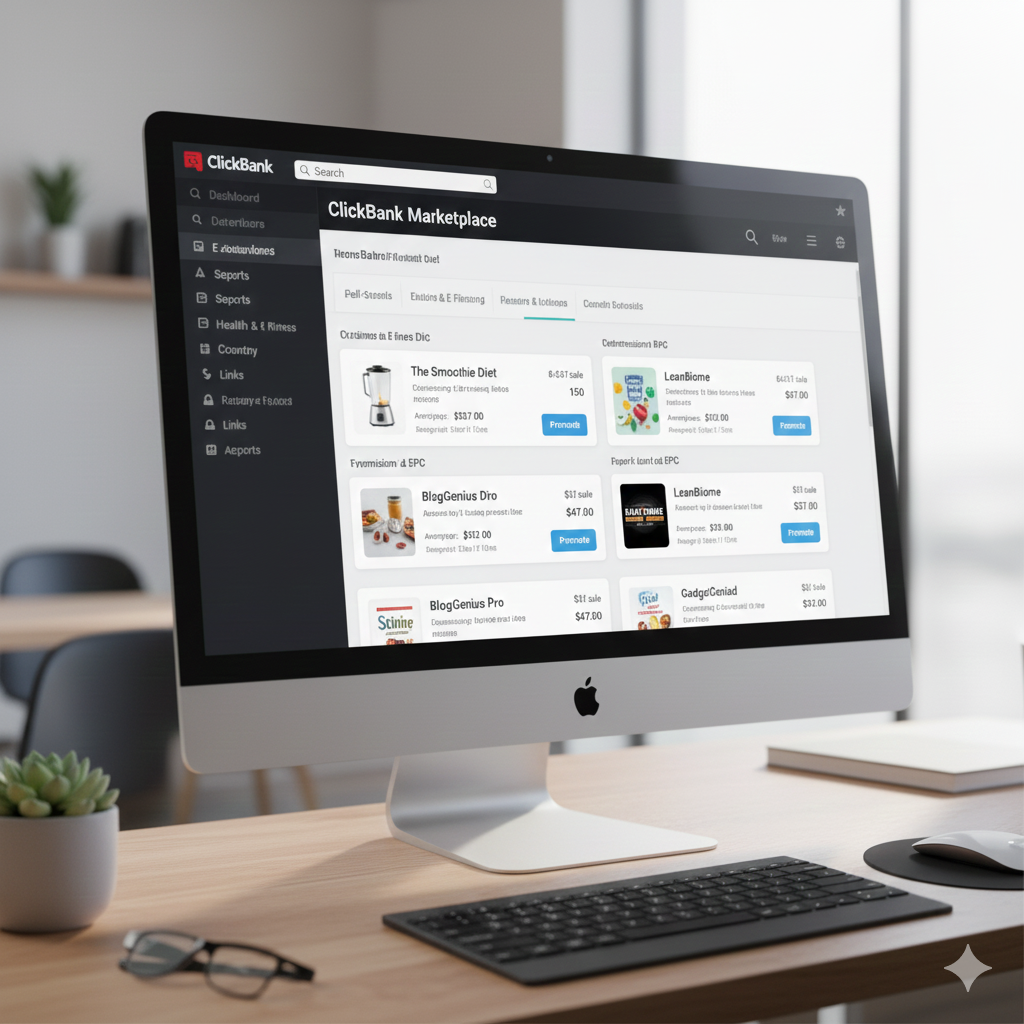
ClickBank is renowned for digital products such as ebooks, courses, and software typically with very high commission rates.
affiliate programs

Pros:

  • Large digital product marketplace
  • High payout potential
  • Low barrier to entry

Const:

  • Some products are low quality – choose carefully

Shopify Affiliate Program

Best for: Business, e-commerce, and marketing content creators
Commission: High payouts for referrals to shopify plans

Shopify has grown rapidly, making its affiliate program lucrative for creators focusing on business and e-commerce.

affiliate programs

Pros:

  • High commissions for new merchants
  • Strong brand credibility

Cons:

  • Audience must be interested in launching stores

Awin

Best for: Beginners with lifestyle, travel, subscription content
Commission: Varies widely across merchants

Awin is a global affiliate network with brands spanning many industries. It’s beginner-friendly and broad in scope.

affiliate programs

Pros:

  • Thousands of affiliate partners
  • Trusted network
  • Multiple niches

Cons:

  • Some approval processes can delay start

Bluehost Affiliate Program

Best for: Tech blogs, web hosting tutorilas, beginners building WordPress sites
Commission: Up to $65+ per qualified referral

Bluehost is a widely recommended hosting provider. It’s affiliate program is simple and pays well for hosting sign-ups.

affiliate programs

Pros:

  • High payout per sale
  • Easy to promote
  • Often converts well for tech audiences

Cons:

  • One-time payment (no recurring)

FlexOffers

Best for: Bloggers and sites with diverse traffic sources
Commission: Varies by advertiser

FlexOffers is another affilate network with a mix of renowned brands and verticals.

affiliate programs

Pros:

  • Reliable payouts
  • Variety of offers
  • Good reporting tools

Cons:

  • Interface can be overwhelming at first

Impact

Best for: Mid-level content creators and influencers
Commission: Varies by program

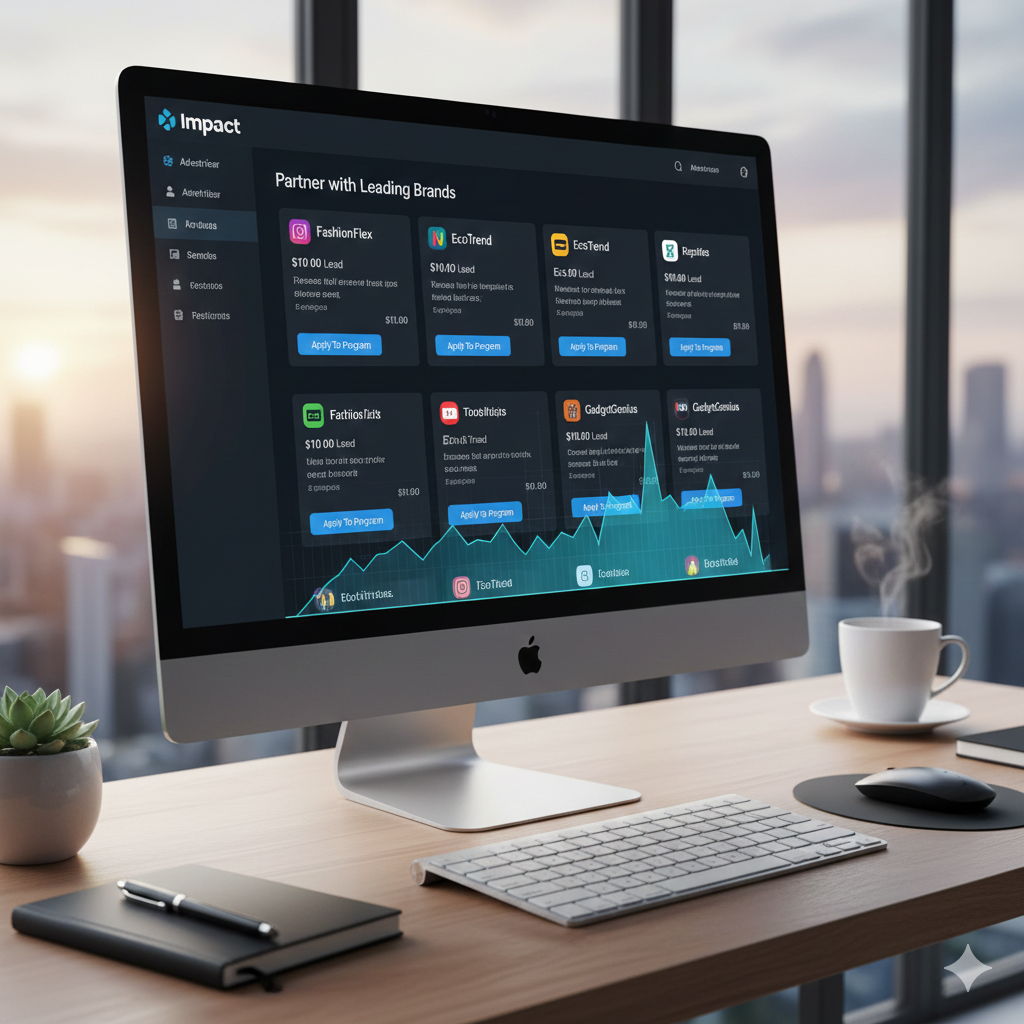
Impact’s affiliate network includes well-known brands and provides advanced tracking tools suitable for scaling affiliate earnings.
affiliate programs

Pros:

  • Strong tracking tools
  • Diverse partnerships
  • Scalable for growth

Const:

  • Not always best for absolute beginners

4. How to Choose the Best Affiliate Programs for your Niche

Not all affiliate programs will perform equally for everyone. Follow these steps to choose the best ones:

a. Consider Conversion Likelihood

Understand programs where your audience is likely to convert. Familiar brands with trust usually perform better if the audience is already interested.

b. Know Your Audience

Understand your audience’s interests and needs. If you run a fitness blog, priotize health and fitness affiliate links. If you create tech reviews, lean into tech-related affiliate programs.

c. Check Commission Structure

Evaluate pay rate, recurring vs one-time payouts, cookie duration and payment thresholds.

d. Evaluate Support and Marketing Materials

Some programs provide banners, email templates and creative assets. These can help accelerate conversions.

5. Tips for Success with Affiliate Marketing

Success isn’t automatic. Hers’s how beginners can get results:

a. Create High-Quality Content

Your content should be useful, original and solve problems. Aim for long-form reviews, tutorials and comparison posts.

b. Use Multiple Traffic Sources

Don’t reply on one source. Grow email lists, search traffic, social platforms and YouTube.

c. Optimize for SEO

Integrate your keyword strategically in titles, headers, meta descriptions, and throughout your content without keyword stuffing.

d. Track and Improve

Use analytics and affiliate dashboards to see which programs and links perform best.

e. Disclose Affiliate Links

Be transparent with your audience. Compliance builds trust and maitains credibility.

6. Common Mistakes to Avoid

Be aware of these pitfalls:

a. Promoting Too Many Offers at Once

Overwhelming visitors with too many links reduces conversions. Focus on relevance.

b. Choosing Only High-Commission Programs

High commission doesn’t guarantee sales. Balance rate with audience interest.

c. Ignoring SEO Best Practices

Without SEO focus, your content won’t reach organic traffic, limitting earning potentiall.

d. Not Checking Analytics Regularly

Failing to monitor performance means missing optimization opportunities.

7. Final Thoughts

Affiliate marketing is one of the most accessible ways to earn online, and selecting the right affiliate programs is foundational to your success. Beginners should start with reputable, beginner-friendly programs like Amazon Associates, ShareAsale, ClickBank, and Bluehost, while gradually testing higher-earning networks like CJ Affiliate, Shopify, or Awin as they gain experience and traffic.

Consistency, valuable content creation, and strategic promotion will significantly increase your chances of success. With patience and persistence, affiliate marketing can transform into a significant income stream, even if you’re just starting out.

how to make money

How To Make Money From a Website: A Complete Beginners Guide (2025)

If you have ever searched how to make money online, chances are you’ve encountered confusing advice, unrealistic claims, or outdated strategies. Building a website is easier than ever – but turning that website into a steady source of income is where most people struggle. The truth is , making money from a website is absolutely possible, but only if you follow proven, ethical and scalable methods.

In this in-depth guide, you’ll learn how to make money from a website using strategies that actually work in 2025. Whether you’re starting from scratch or already have a site with some traffic, this article will show you excatly what to do, how long it takes and how to maximize earnings using Google AdSense, affiliate marketing and other monetization methods.

Why a Website Is One of the Best ways to Make Online

A website is a digital asset. Unlike social media platforms where algorithms change overnight, a website gives you ownership, control and long-term income potential. You can refer to my previous post on this.

Benefits of Making Money With a Website:

  • Passive income potential
  • Multiple monetization options
  • Global audience reach
  • Scales with traffic growth
  • Works 24/7
how to make money

Learning how to make money from a website means you’re building something that can earn for years with the right strategy.

Step 1: Choose the Right Website Niche

Your niche determines:

  • How much traffic you can get
  • How much advertisers pay
  • How well affiliates convert

High-Earning Website Niches:

  • Technology & gadgets
  • Finance & investing
  • Online education
  • Digital marketing
  • Health & fitness
  • Software & tools
  • Blogging & SEO

To succeed at how to make money online, choose a niche that balances:

  1. High search demand
  2. Monetization potential
  3. Your interest or knowledge

Step 2: Build a Professional website

You don’t need advanced coding skills to create a website.

What You Need:

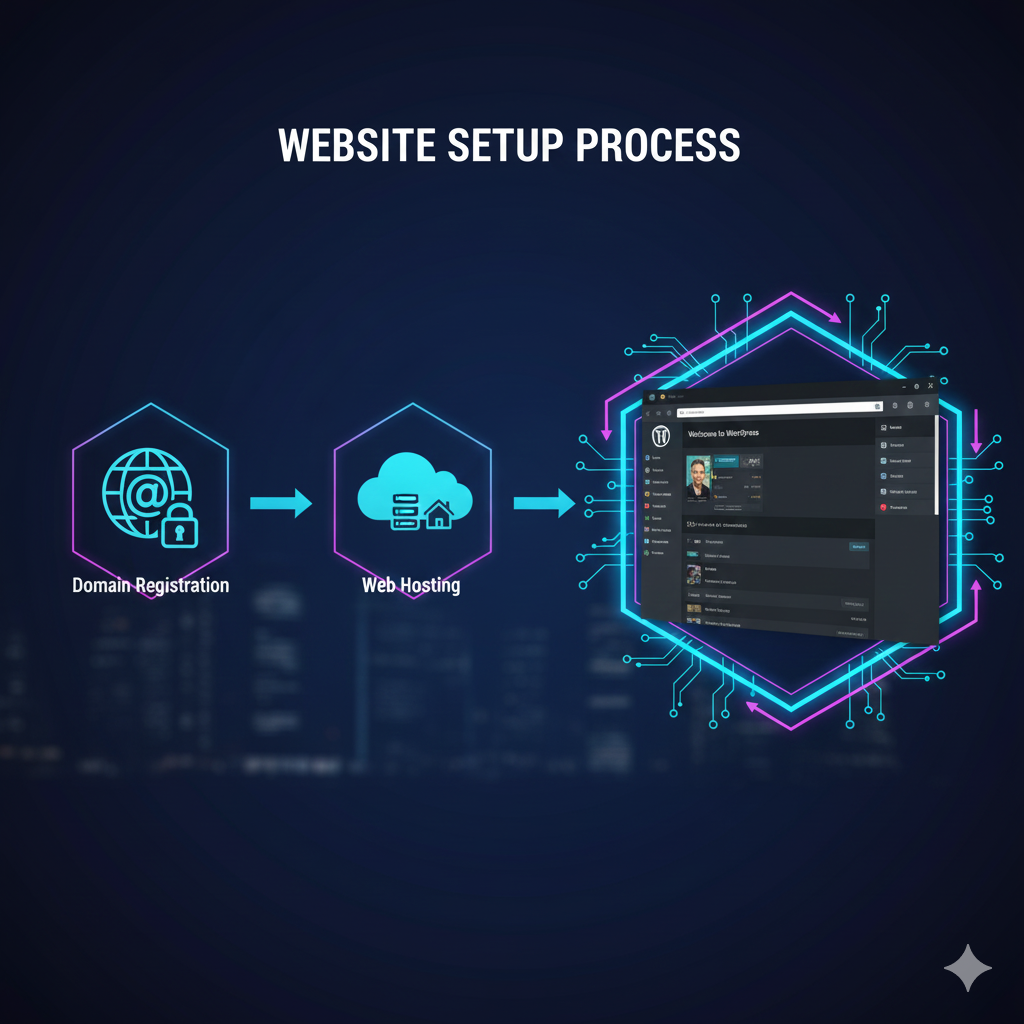
  • Domain name
  • Web hosting
  • CMS

WordPress powers over 40% of all websites because it’s SEO-friendly and perfect for monetization.

Essential Pages for AdSense Approval:

  • About Us
  • Contact Us
  • Privacy Policy
  • Terms & Conditions
how to make money

These pages build trust, which is crucial if you want to learn how to make money legally and sustainably.

Step 3: Create High-Quality, SEO-Optimized Content

Content is the foundation of every successful money-making website.

What Type of Content Makes Money?

  • How-to guides
  • Tutorials
  • Product reviews
  • Comparisons
  • Listicles
  • Problem-solving articles

Google favors content that:

  • Answers user intent
  • Is long-form (1500 – 2500 words)
  • Includes keywords naturally
  • Has good readability

If your goal is how to make money, your content must help users solve real problems.

Step 4: How to Make Money With Google AdSense

Google AdSense is one of the easiest ways to start earning.

How AdSense Works:

  • Google shows ads on your website
  • You earn money when users view or click ads

Requirements for AdSense Approval:

  • Original content
  • Clean website design
  • Consistent traffic
  • Legal compliance pages

Best Practices for Higher AdSense Earnings:

  • Write long-form content
  • Focus on high-CPC niches
  • Optimize ad placement
  • Improve page speed
how to make money

AdSense is deal for beginners learning how to make money from a website with minimal effort.

Step 5: Affiliate Marketing (Highest Earning Method)

Affiliate marketing means promoting products and earning a commission for each sale.

Why Affiliate Marketing Works:

  • No product creation
  • High commissions
  • Passive income potential
  • Scales with traffic

Popular Affiliate Programs:

  • Amazon Associates
  • Software and SaaS tools
  • Hosting companies
  • Online courses
  • Electronics brands

Best Affiliate Content Types

  • “Best X for Y” articles
  • Product comparisons
  • Tutorials with tools
  • Honest reviews
how to make money

If your website gets targeted traffic, affiliate marketing can outperform AdSense in revenue – making it a core strategy for how to make money online.

Step 6: Sponsered Content and Brand Deals

Once your website gains authority, brands will pay you to:

  • Publish sponsored articles
  • Promote products
  • Feature services

How much Can You Earn?

  • Small sites: $50-$200 per post
  • Medium sites: $300-$1,000 per post
  • Authority sites: $2,000+ per post

This is an advanced method of how to make money, but extremely profitable.

Step 7: Sell Digital Products

Digital prducts offer the highest profit margins.

Examples:

  • Ebooks
  • Online
  • Templates
  • Checklists
  • Premium guides

Once created, digital products sell repeatedly without extra cost.

This strategy works best when you:

  • Build trust
  • Solve a specific problem
  • Have consistent traffic
how to make money

Step 8: Email Marketing for Long-Term Income

Email lists allow you to:

  • Build relationships
  • Promote offers repeatedly
  • Increase lifetime value of visitors

How to use Email for Monetization:

  • send helpful content
  • Recommend affiliate products
  • Promote your own products

Email marketing multiples the results of how to make money from your website.

Step 9: Increase Traffic (The Real Income Booster)

If there is no traffic there si no money.

Best Trafic Sources:

  • Google search (SEO)
  • Pinterest
  • Google Discover
  • Email subscribers
  • Social media

SEO Tips for Higher Rankings:

  • Use long-tail keywords
  • Optimize headings
  • Add internal links
  • Improve site speed
  • Update old content
how to make money

The more targeted traffic you get, the easier it becomes to master how to make money online.

Step 10: Combine Multiple Income Streams

Top-earning websites don’t rely on one method.

Best Income Combination:

  • AdSense + Affiliate Marketing
  • Affliate Marketing + Digital Products
  • Ads + Sponsorships

Diversification ensures stable income even if one source declines.

How long Does It Take to Make Money From a Website?

  • 0-3 months: Content creation
  • 3-6 months: Traffic growth
  • 6-12 months: First consistent income
  • 12+ months: Scalable earnings

Learning how to make money from a website is a long-term investment, not a get-rich-quick scheme.

❌ Common Mistakes That Prevent People From Making Money

  • Choosing the wrong niche
  • Publishing low-quality content
  • Ignoring SEO
  • Expecting fast results
  • Not monetizing properly

Avoid these mistakes dramatically increases your success rate.

Conclusion: How to Make Money From a Website Successful

Making money from a website is one of the most reliable ways to earn online in 2025 and beyond. With the right niche, high-quality content, proper SEO, and smart monetization strategies, your website can become a powerful income-generating asset.

If you’re serious about learning how to make money, start today. Publish valuable content, focus on long-term growth and continuously improve. The results may not be instant but they are absolutely achievable.

chrome extensions

Top 20 Chrome Extensions You Should Be Using in 2025

chrome extensions

The Chrome Web Store now hosts tens of thousands of tools like Chrome extensions – many helpful, some clutter and others absolutely game-changing. Whether you are student, professional, entrepreneur, content creator, developer or casual browser, choosing the right chrome extension can drastically improve your browsing speed, productivity and online safety. But with so many options, finding the best ones is overwhelming.

That’s why this article breaks down the top 20 Chrome Extensions you should be using in 2025, including tools for:
● Productivity
● Security & privacy
● Online research
● Writing & AI
● Screenshotting & creativity
● Email & workflow automation
● Focus enhancement

Each recommendation includes what it does, why it matters and how it transforms your online experience.

1. uBlock Origin – Best for Powerful Ad & Tracker Blocking

If you install only one chrome extension from this list, let it be uBlock Origin.

Why it is a Must-Have

● Blocks intrusive ads
● Speeds up browsing by reducing page weight
● Protects against trackers, malware and malicious domains
● LIghtweight and efficient

Unlike many ad blockers, this one is open source, fast and extremely effective without slowing down your browser.

2. LastPass – Secure Password Manager

Managing hundreds of passwords is nearly impossible without a good manager. LastPass securely stores everything and auto-fills it in seconds.

Top Features

● One click login
● String password generator
● Multi-device sync
● Emergency access

This chrome extension enhances your digital security without you needing to remember dozens of complex passwords.

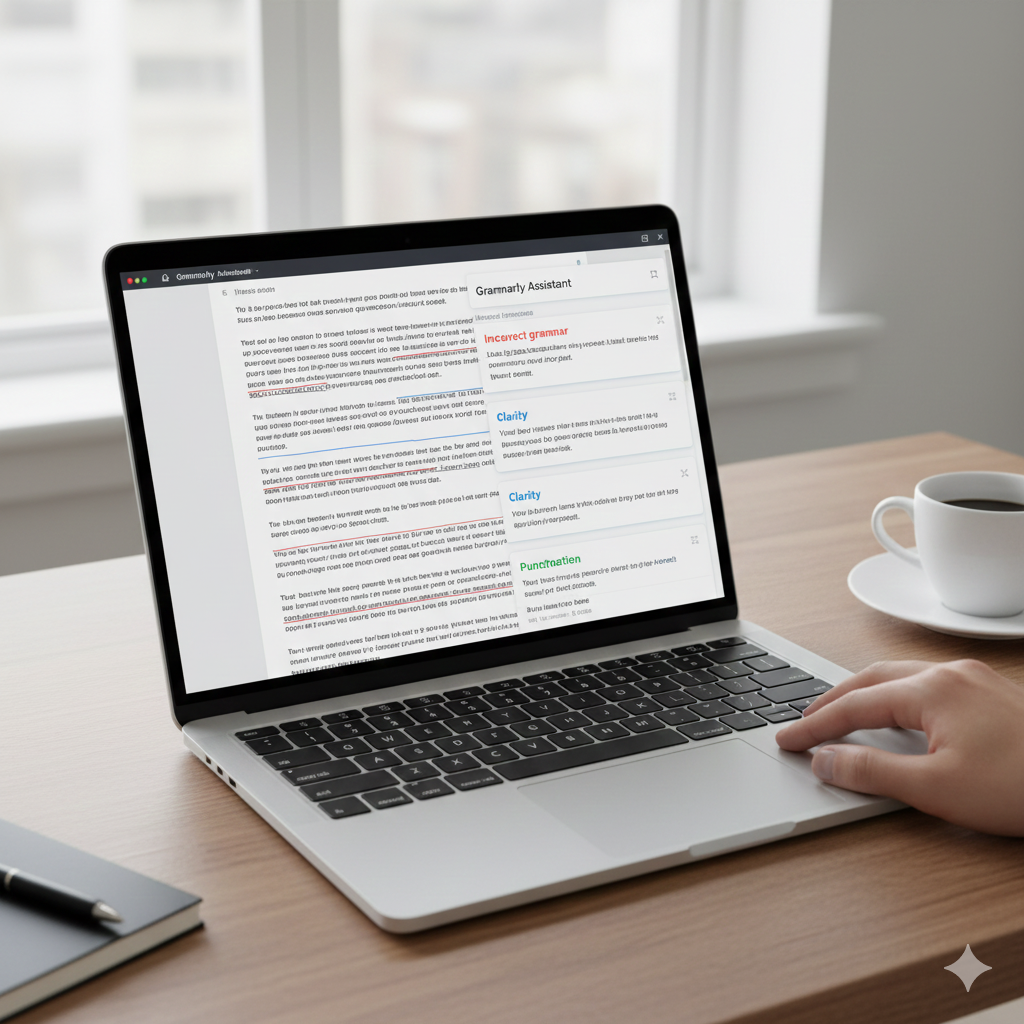
3. Grammarly – Writing Assistant for Everything You Type

Whether you’re writing emails, documents, tweets or reports, grammarly enhances clarity, grammar, tone and professionalism.

chrome extensions

Why It’s Essential

● Real-time grammar checks
● Tone suggestions
● Plagiarism checker
● Vocabulary enhancements

Perfect for students, bloggers and professionals.

4. ChatGPT Sidebar – AI Assistant Everywhere You Browse

This chrome extension brings ChatGPT to any webpage, whether you are reserching, writing, summarizing or coding.

What It Can Do

● Summaries of articles & PDFs
● Real-time answers
● Email drafting
● Code explanations
● Template generation

It saves countless hours of research and writing.

5. Honey – Automatic Coupon Finder

Honey scans the web for promo codes and automatically applies them during checkout.

Benefits

● Finds the lowest available price
● Price tracking
● Cashback rewards
● Works on thousands of websites

If you shop online often, Honey pays for itself instantly.

6. Momentum – Beautiful Productivity Dashboard

Turn your blank new-tab page into a motivational control center.

Why Users Love It

● Daily focus goals
● To-do list
● Beautiful photos
● Inspiring quotes

Momentum keeps you centered and productive every time you open a tab.

7. Dark Reader – Dark Mode for Every Website

Dark Reader applies a smooth, customizable dark mode to any website which is great for night browsing.

Reasons to Use It

● Reduce eye strain
● Adjustable brightness and contrast
● Works on all sites
● Attractive dark theme

A must- have for late night researchers, creators and coders.

8. Loom – One Click Screen Recording

Loom lets you instantly record your screen, voice and webcam to create tutorials, walkthroughs, feedback videos or presentations.

chrome extensions

Key Features

● Super fast sharing
● HD recording
● Noise cancellation
● Instant editting tools

Whether you are a teacher, manager or creator this extension is gold.

9. Forest – Stay Focused, Grow a Virtual Forest

Forest is a productivity-focused chrome extension that gamifies staying on task.

How It Works

● Start a timer
● Stay focused
● Grow a digital tree
● If you open distracting sites, the tree dies

It’s simple, fun and incredibly effective for avoiding distractions like Facebook or YouTube.

10. Pocket – Save Anything for Later

Pocket helps you save articles, videos and webpages to read later across any device.

Top Features

● Read-it later library
● Clean reading mode
● Offline access
● Personalized recommendations

Perfect for researchers, students and content consumers.

11. Evernote Web Clipper – Capture Web Content Smartly

Evernote’s Web Clipper allows you to save web content – including articles, full pages, highlights and screenshots – directly into your Evernote workspace.

What Makes It Useful

● Multiple clipping formats
● Annotation tools
● Organizes everything automatically
● Syncs across all devices

Great for research-heavy workloads.

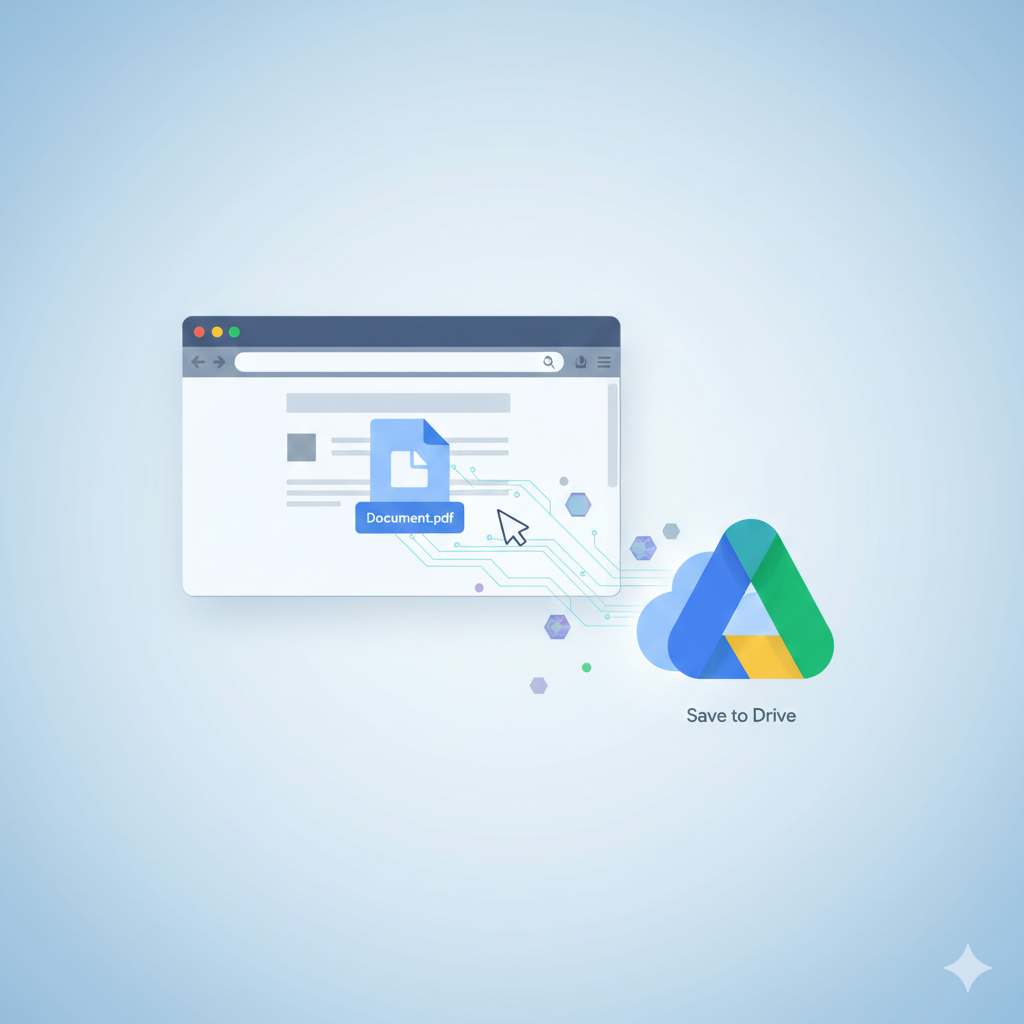
12. Save to Google Drive – One Click Cloud Saving

This chrome extension makes it incredibly easy to save files, images,PDFs or webpages directly into your Google Drive.

chrome extensions

Best For

● Students storing research
● Professionals saving work documents
● Anyone needing fast cloud access

13. ClickUp Extension – All-in-One Productivity Powerhouse

ClickUp’s extension integrates tasks, notes, emails, screenshots, time tracking and calendars innto your browser.

Why It’s Powerful

● Manage tasks anywhere
● Save websites to workspaces
● Time tracking
● Built-in notepad

Ideal for teams or busy professionals who want everything in one place.

14. StayFocused – Block Time-Wasting Websites

StayFocused restricts how long you can spend on distracting websites.

Top Features

● Daily time limit
● Custom block lists
● Nuclear option
● Highly customizable

15. OneTab – Collapse All Tabs to Save Memory

If you constantly have 20-50 open tabs, OneTab is the answer.

Benefits

● Reduces clutter
● Saves 95% memory
● Organizes tabs into lists
● Speeds up Chrome

16. Bitwarden – Free Open Source Password Manager

Bitwarden is a source , reliable and completely free alternative to many paid password managers.

chrome extensions

Highlights

● Zero-knowledge encryption
● Secure password storage
● Multi-device sync
● Open source transparency

17. Nimbus Screenshot & Recorder – Advanced Screen Capture Tool

Nimbus lets you capture entire webpages, fragments or scrolling sections, plus annotate them easily.

Why It Stands Out

● Video recording plus screenshots
● Annotation tools
● Cloud sync
● Editing features

19. Checker Plus for Gmail – Manage Email Without Opening Gmail

Stay updated on your inbox without having to open the Gmail tab.

Features

● Desktop notifications
● Quick reply
● Popup inbox
● Multiple account support

20. HTTPS Everywhere – Encrypted Web Browsing

Created by the Electronic Frontier Foundation (EFF), this chrome extension forces websites to use secure HTTPS connections wherever possible.

chrome extensions

Major Benefits

● Secure your browsing
● Prevents attacks on public Wi-Fi
● Protects personal information
● Automatically upgrades unsafe sites

Essential for anyone concerned with cybersecurity.

Conclusion

With thousands of tools available, choosing the right chrome extension can transform your online life and make all the differences. The 20 listed here are the most effective, reliable and powerful options that genuinely improve your digital workflow, browsing speed, creativity, organization and security.

Whether you’re looking to boost productivity, secure your online identity or streamline your tasks, these chrome extensions offer significant value for everyday use.

wordpress-6.8

Exploring The Powerful New WordPress 6.8 2025: and The Best Hosting Provider

WordPress 6.8, the popular content management system, continues to grow with each new version that is released .In 2025 ,WordPress are expressing the latest version, WordPress 6.8. In this article we will dive into the new features and improvements introduced in WordPress 6.8, while also exploring the best hosting provider to power your WordPress website.

What is the latest 2025 WordPress version ?

As of 2025, today’s release of WordPress is WordPress 6.8 released in April 2025.This version keeps the platform’s evolution closer to faster overall performance, deeper customization, and seamless web page enhancing site editing.. Whether you’re a blogger, commercial enterprise owner, or developer, WordPress 6.8 represents the latest milestone in this journey and gives the whole thing you need through introducing several exciting new features and improvements.

What is new in WordPress 6.8 ?

WordPress 6.8 introduces several updates and enhancement that make website management and content creation a breeze. Some of the key features in this version include:

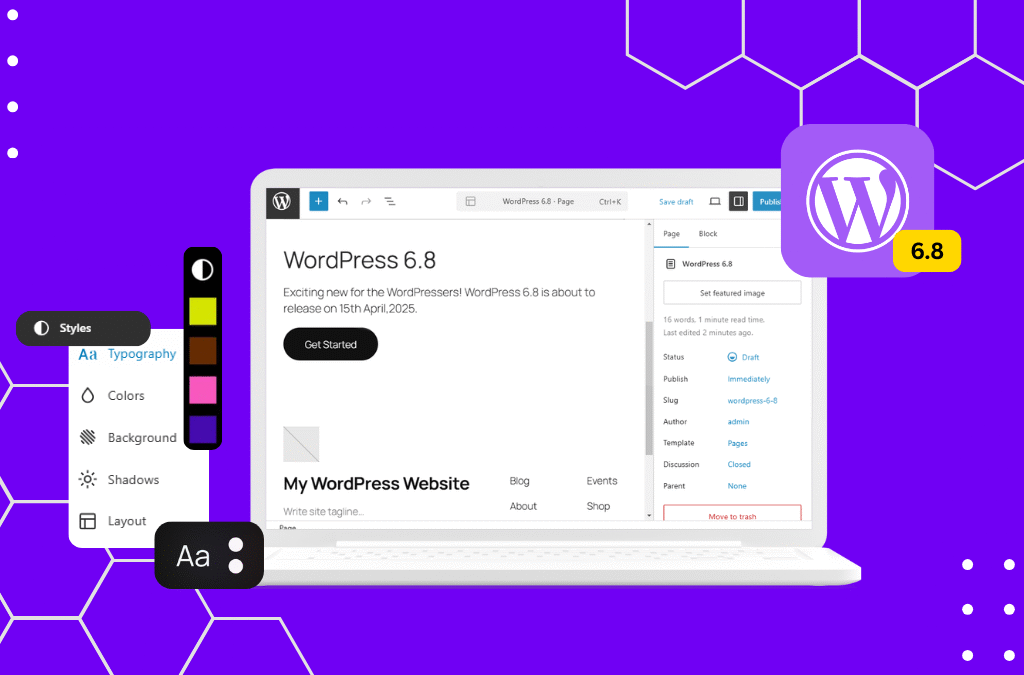
  1. Next-Gen Site Editor

The block-based website editor has reached complete maturity in 6.8. You can now layout your whole website – headers, footers, and templates – without touching a single line of code. The new editor interface is smoother, faster, and more intuitive, making customization effortless even for beginners.

  1. Enhanced Performance

Speed has usually been a priority for WordPress, and WordPress 6.8 takes it similarly. With optimized caching and reduced database queries, websites now load up to 25% quicker than before. Pairing this version with a satisfactory host like Hostinger guarantees that your site runs at lightning speed globally.

3. Smarter Media Handling

Uploading and dealing with pics is now simpler way to asynchronous image optimization and automatic WebP conversion, making sure higher high-quality at smaller file sizes. This development boosts both person experience and search engine optimization performance.

4. Accessibility Upgrades

WordPress 6.8 consists of extra than 60 accessibility improvements, making websites more inclusive. Features like higher keyboard navigation and display reader support assist ensure your content is usable by anybody.

5. Advanced Design tools

For creators who love visuals, new design gear in WordPress 6.8 allow deeper shade manipulate, gradient customization, and typography flexibility. These additions make it easy to craft a expert brand identity without delay inner WordPress.

6. AI Assisted Writing Suggestions

One of the most interesting additions is the AI content material suggestion tool, designed to assist creators draft posts faster and greater efficiently. This non-compulsory characteristic offers headline ideas, define era, and style tips – a perfect addition for bloggers and marketers.

Which version of WordPress is best ?

The quality version of WordPress is constantly the present day and 6.8 is currently the maximum solid, secure, and feature-rich release available. Older versions like 6.7 or 6.6 lack key performance updates and protection patches which are now trendy in 6.8.

If your purpose is to develop visitors, monetize content, or combine AI gear, WordPress 6.8 is your first-class preference. It combines complete-website online enhancing freedom with better SEO help, making it best for content material creators, educators, and associate entrepreneurs alike.

For the pleasant performance, ensure your web site runs on Hostinger WordPress Hosting. Hostinger’s one-click installation, LiteSpeed servers, and automated updates keep your WordPress 6.8 site optimized.

Conclusion

WordPress 6.8 sets new standard for performance, simplicity and creativity.With an expanded site editor, improved AI tools and sharper design experience. For those seeking the best version of WordPress, WordPress 6.8 offers best features and security enhancement.

If you’re ready to start your journey, choose a fast and secure hosting solution like Hostinger – the perfect match for the power of WordPress 6.8. From setup to optimization, it’s designed to help your site thrive in the digital age.