

The Chrome Web Store now hosts tens of thousands of tools like Chrome extensions – many helpful, some clutter and others absolutely game-changing. Whether you are student, professional, entrepreneur, content creator, developer or casual browser, choosing the right chrome extension can drastically improve your browsing speed, productivity and online safety. But with so many options, finding the best ones is overwhelming.
That’s why this article breaks down the top 20 Chrome Extensions you should be using in 2025, including tools for:
● Productivity
● Security & privacy
● Online research
● Writing & AI
● Screenshotting & creativity
● Email & workflow automation
● Focus enhancement
Each recommendation includes what it does, why it matters and how it transforms your online experience.
1. uBlock Origin – Best for Powerful Ad & Tracker Blocking
If you install only one chrome extension from this list, let it be uBlock Origin.
Why it is a Must-Have
● Blocks intrusive ads
● Speeds up browsing by reducing page weight
● Protects against trackers, malware and malicious domains
● LIghtweight and efficient
Unlike many ad blockers, this one is open source, fast and extremely effective without slowing down your browser.
2. LastPass – Secure Password Manager
Managing hundreds of passwords is nearly impossible without a good manager. LastPass securely stores everything and auto-fills it in seconds.
Top Features
● One click login
● String password generator
● Multi-device sync
● Emergency access
This chrome extension enhances your digital security without you needing to remember dozens of complex passwords.
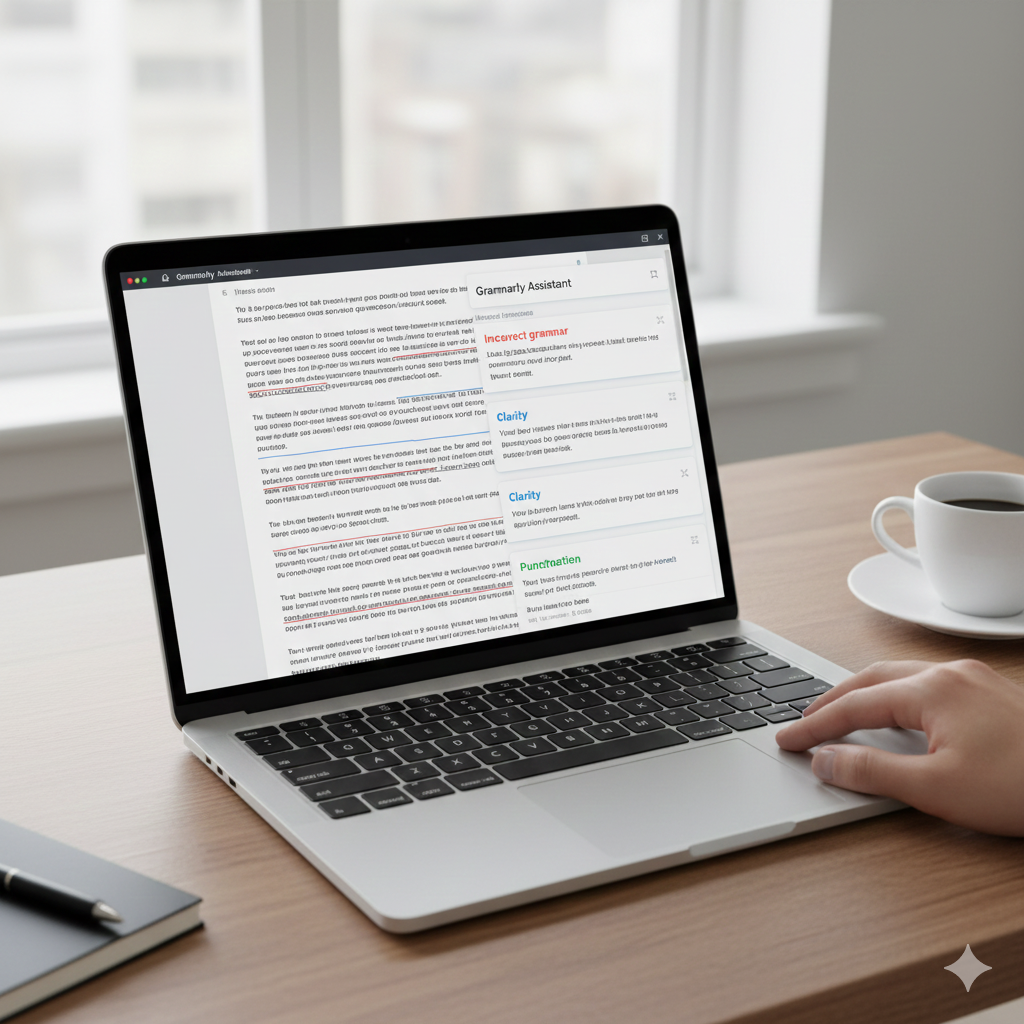
3. Grammarly – Writing Assistant for Everything You Type
Whether you’re writing emails, documents, tweets or reports, grammarly enhances clarity, grammar, tone and professionalism.
Why It’s Essential
● Real-time grammar checks
● Tone suggestions
● Plagiarism checker
● Vocabulary enhancements
Perfect for students, bloggers and professionals.
4. ChatGPT Sidebar – AI Assistant Everywhere You Browse
This chrome extension brings ChatGPT to any webpage, whether you are reserching, writing, summarizing or coding.
What It Can Do
● Summaries of articles & PDFs
● Real-time answers
● Email drafting
● Code explanations
● Template generation
It saves countless hours of research and writing.
5. Honey – Automatic Coupon Finder
Honey scans the web for promo codes and automatically applies them during checkout.
Benefits
● Finds the lowest available price
● Price tracking
● Cashback rewards
● Works on thousands of websites
If you shop online often, Honey pays for itself instantly.
6. Momentum – Beautiful Productivity Dashboard
Turn your blank new-tab page into a motivational control center.
Why Users Love It
● Daily focus goals
● To-do list
● Beautiful photos
● Inspiring quotes
Momentum keeps you centered and productive every time you open a tab.
7. Dark Reader – Dark Mode for Every Website
Dark Reader applies a smooth, customizable dark mode to any website which is great for night browsing.
Reasons to Use It
● Reduce eye strain
● Adjustable brightness and contrast
● Works on all sites
● Attractive dark theme
A must- have for late night researchers, creators and coders.
8. Loom – One Click Screen Recording
Loom lets you instantly record your screen, voice and webcam to create tutorials, walkthroughs, feedback videos or presentations.

Key Features
● Super fast sharing
● HD recording
● Noise cancellation
● Instant editting tools
Whether you are a teacher, manager or creator this extension is gold.
9. Forest – Stay Focused, Grow a Virtual Forest
Forest is a productivity-focused chrome extension that gamifies staying on task.
How It Works
● Start a timer
● Stay focused
● Grow a digital tree
● If you open distracting sites, the tree dies
It’s simple, fun and incredibly effective for avoiding distractions like Facebook or YouTube.
10. Pocket – Save Anything for Later
Pocket helps you save articles, videos and webpages to read later across any device.
Top Features
● Read-it later library
● Clean reading mode
● Offline access
● Personalized recommendations
Perfect for researchers, students and content consumers.
11. Evernote Web Clipper – Capture Web Content Smartly
Evernote’s Web Clipper allows you to save web content – including articles, full pages, highlights and screenshots – directly into your Evernote workspace.
What Makes It Useful
● Multiple clipping formats
● Annotation tools
● Organizes everything automatically
● Syncs across all devices
Great for research-heavy workloads.
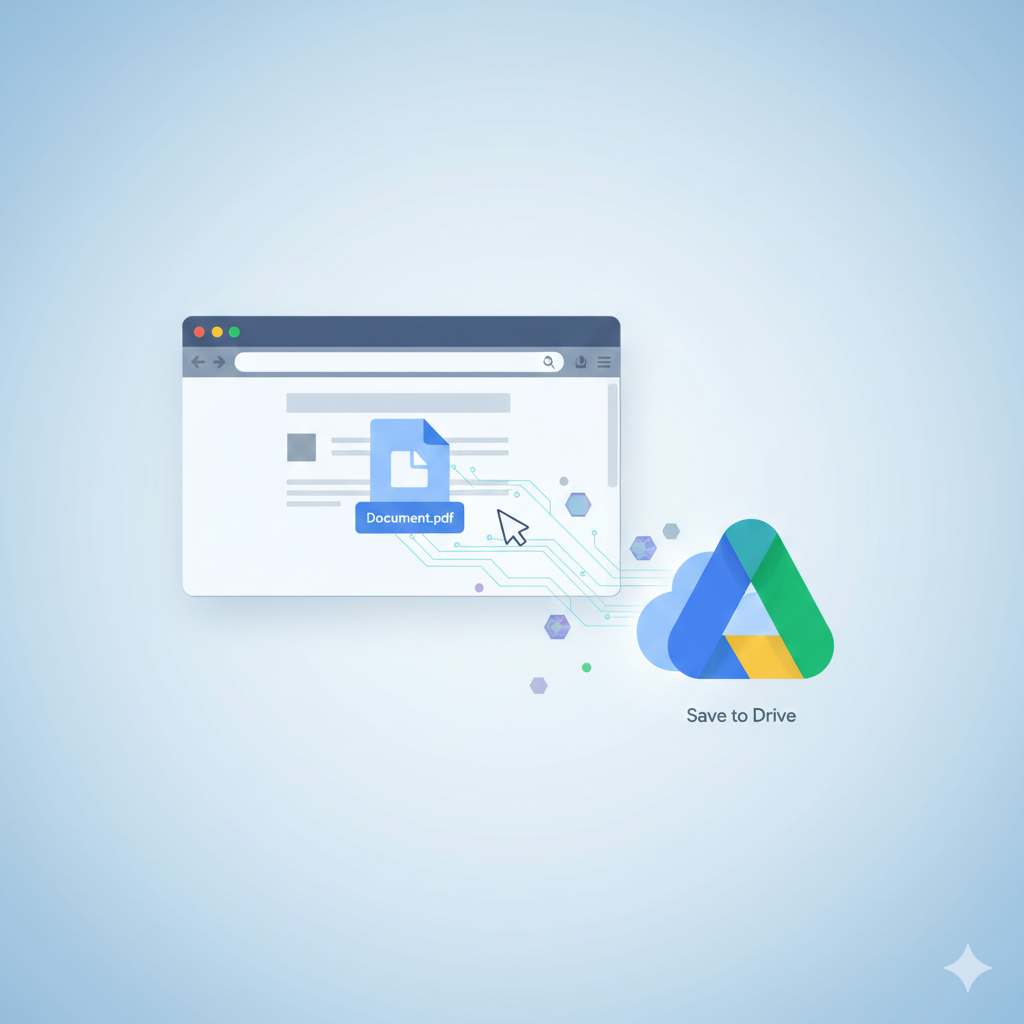
12. Save to Google Drive – One Click Cloud Saving
This chrome extension makes it incredibly easy to save files, images,PDFs or webpages directly into your Google Drive.
Best For
● Students storing research
● Professionals saving work documents
● Anyone needing fast cloud access
13. ClickUp Extension – All-in-One Productivity Powerhouse
ClickUp’s extension integrates tasks, notes, emails, screenshots, time tracking and calendars innto your browser.
Why It’s Powerful
● Manage tasks anywhere
● Save websites to workspaces
● Time tracking
● Built-in notepad
Ideal for teams or busy professionals who want everything in one place.
14. StayFocused – Block Time-Wasting Websites
StayFocused restricts how long you can spend on distracting websites.
Top Features
● Daily time limit
● Custom block lists
● Nuclear option
● Highly customizable
15. OneTab – Collapse All Tabs to Save Memory
If you constantly have 20-50 open tabs, OneTab is the answer.
Benefits
● Reduces clutter
● Saves 95% memory
● Organizes tabs into lists
● Speeds up Chrome
16. Bitwarden – Free Open Source Password Manager
Bitwarden is a source , reliable and completely free alternative to many paid password managers.

Highlights
● Zero-knowledge encryption
● Secure password storage
● Multi-device sync
● Open source transparency
17. Nimbus Screenshot & Recorder – Advanced Screen Capture Tool
Nimbus lets you capture entire webpages, fragments or scrolling sections, plus annotate them easily.
Why It Stands Out
● Video recording plus screenshots
● Annotation tools
● Cloud sync
● Editing features
19. Checker Plus for Gmail – Manage Email Without Opening Gmail
Stay updated on your inbox without having to open the Gmail tab.
Features
● Desktop notifications
● Quick reply
● Popup inbox
● Multiple account support
20. HTTPS Everywhere – Encrypted Web Browsing
Created by the Electronic Frontier Foundation (EFF), this chrome extension forces websites to use secure HTTPS connections wherever possible.

Major Benefits
● Secure your browsing
● Prevents attacks on public Wi-Fi
● Protects personal information
● Automatically upgrades unsafe sites
Essential for anyone concerned with cybersecurity.
Conclusion
With thousands of tools available, choosing the right chrome extension can transform your online life and make all the differences. The 20 listed here are the most effective, reliable and powerful options that genuinely improve your digital workflow, browsing speed, creativity, organization and security.
Whether you’re looking to boost productivity, secure your online identity or streamline your tasks, these chrome extensions offer significant value for everyday use.
Add a Comment